
Get Your Free BIM Plan in 48 Hours 127 plans delivered this month Book Now
EXCELIZE
// Revit Family Creation Services USA

Revit Family Creation Services in USA — Custom Parametric BIM Families for Every Discipline

Architectural, Structural, MEP & Manufacturer BIM Content — Built Parametrically, Tested in Revit, Delivered to Your Standards

21+ Years 2,500+ Projects LOD 100–500 All Disciplines Covered 100% Tested Before Delivery
Certified
Certified
Certified

For architects, MEP engineers, structural engineers, BIM managers, and manufacturers across the USA, custom parametric Revit families are a recurring production requirement. Standard Autodesk content libraries do not cover manufacturer-specific products, custom architectural elements, or the unique MEP equipment specified on complex commercial, healthcare, and industrial projects. Every Excelize Revit family is built from the correct template, with clean geometry, accurate parameters, and full pre-delivery testing in a live Revit model.

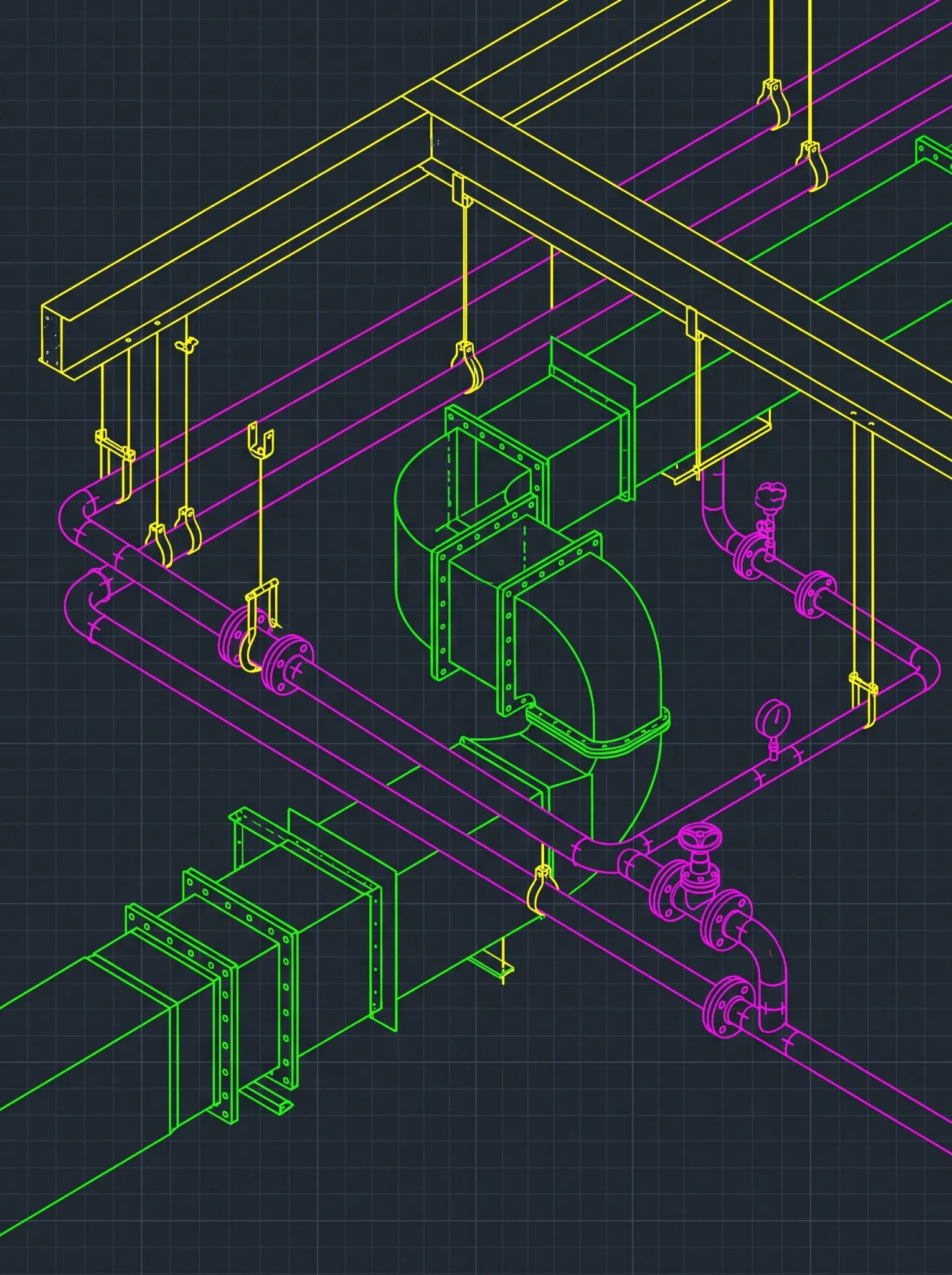
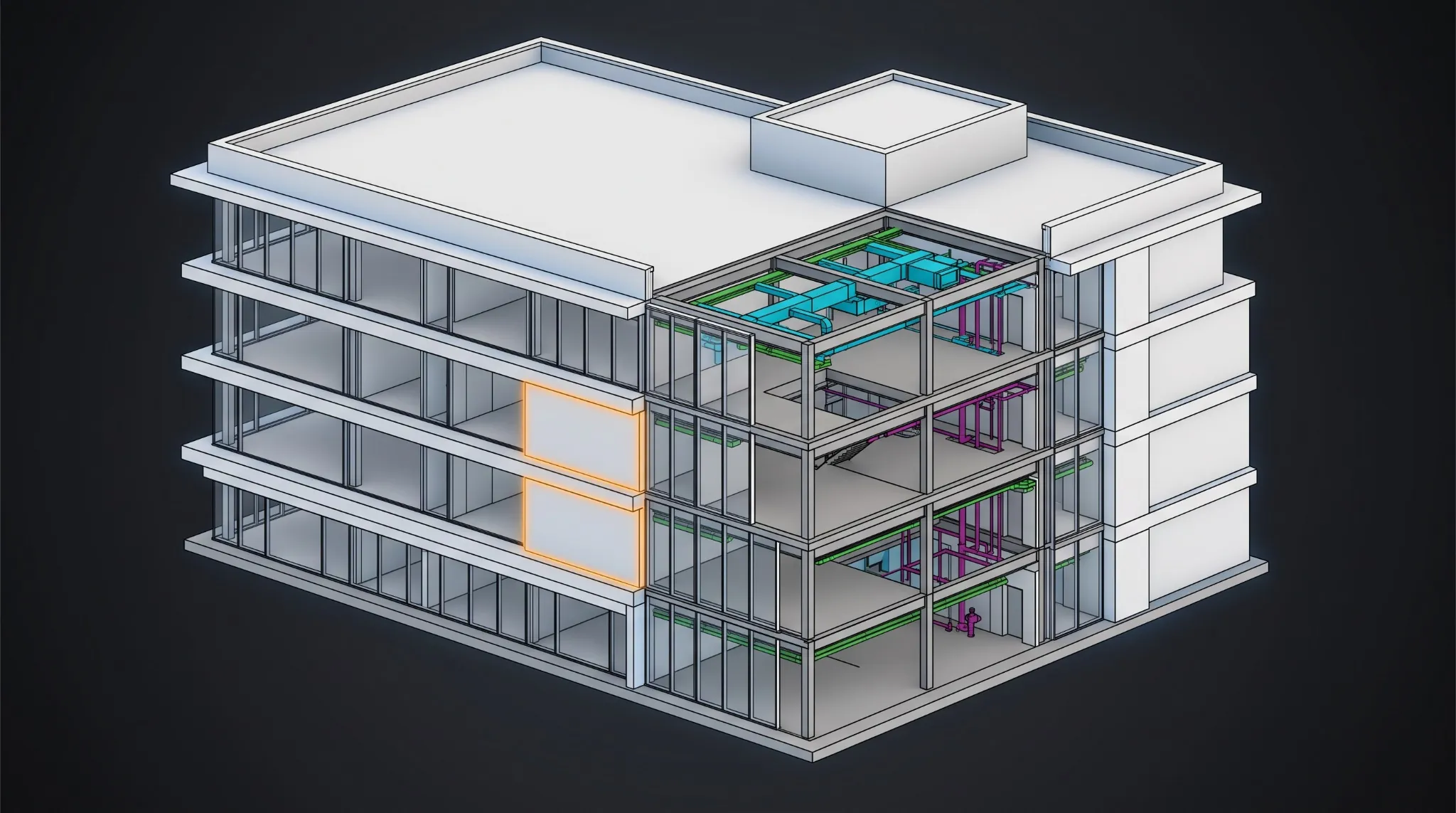
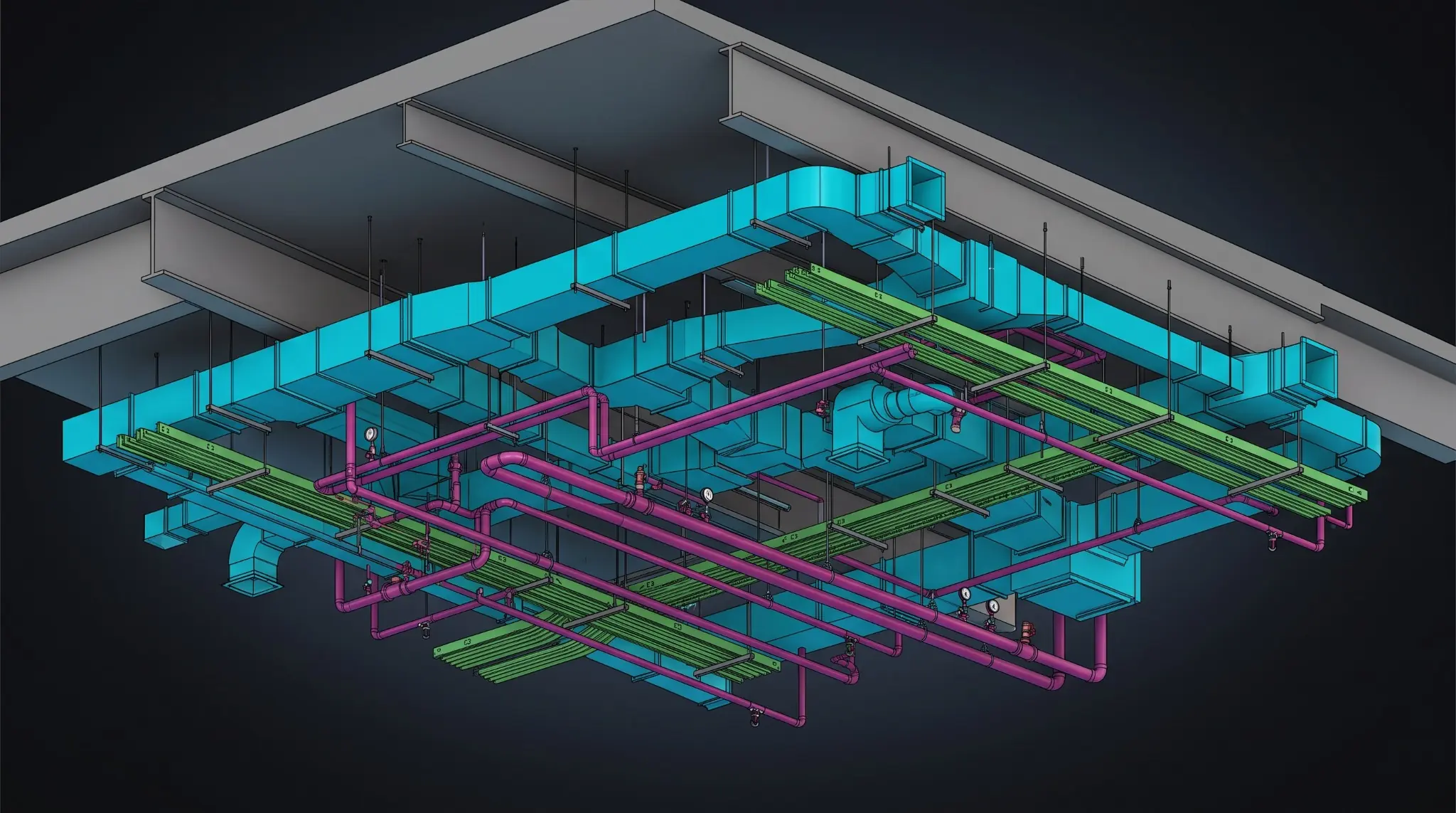
Revit Family Creation Services USA — Custom parametric BIM families for architectural structural and MEP disciplines

21+

Years BIM Expertise

2,500+

Projects Delivered

All

Revit Family Types

LOD 100–500

Compliant Deliverables

Our Clients
// What Are Revit Family Creation Services?

What Are Revit Family Creation Services?

Revit family creation services involve the design, development, and quality assurance of custom parametric BIM objects — called Revit families — for use in Autodesk Revit projects. These families represent the individual building components that populate a BIM model: doors, windows, structural connections, MEP equipment, furniture, and manufacturer-specific products. Professional Revit family creation produces families that are fully parametric, lightweight, correctly categorized, and tested for correct behavior in schedules, tags, and coordination workflows.

// Industry Research — Revit Families & BIM Libraries

Revit families are the building blocks of every BIM model. According to Autodesk, Revit contains over 3,500 built-in families, but complex projects routinely require hundreds of custom parametric families that are not available in standard content libraries — unique MEP equipment, manufacturer-specific building products, custom structural connections, and project-specific architectural components. A poorly constructed Revit family — incorrect subcategory assignments, bloated geometry, broken parameters — can cause schedule extraction errors, clash detection failures, and model performance issues across every project the family is used in. Professional Revit family creation services eliminate these risks by building content from the correct template, with clean geometry, accurate parameters, and full pre-delivery testing.

For BIM managers and project teams across the USA, custom Revit families are a recurring production requirement. Standard Autodesk content libraries do not cover manufacturer-specific products, custom architectural elements, or the unique MEP equipment specified on complex commercial, healthcare, and industrial projects. Every time a BIM team cannot find the right family in the standard library, they either model a poor approximation, spend hours creating their own, or request the work from a specialist provider.

At Excelize, we have been creating custom Revit families since 2003 — across every discipline, every sector, and every level of parametric complexity. Our Revit family creation team includes architects, MEP engineers, structural engineers, and BIM specialists who understand not just how to build parametric geometry in Revit, but how families must behave in live project environments — in schedules, tags, clash detection, and LOD-based visibility. Every Excelize Revit family is tested in a live Revit model before delivery.

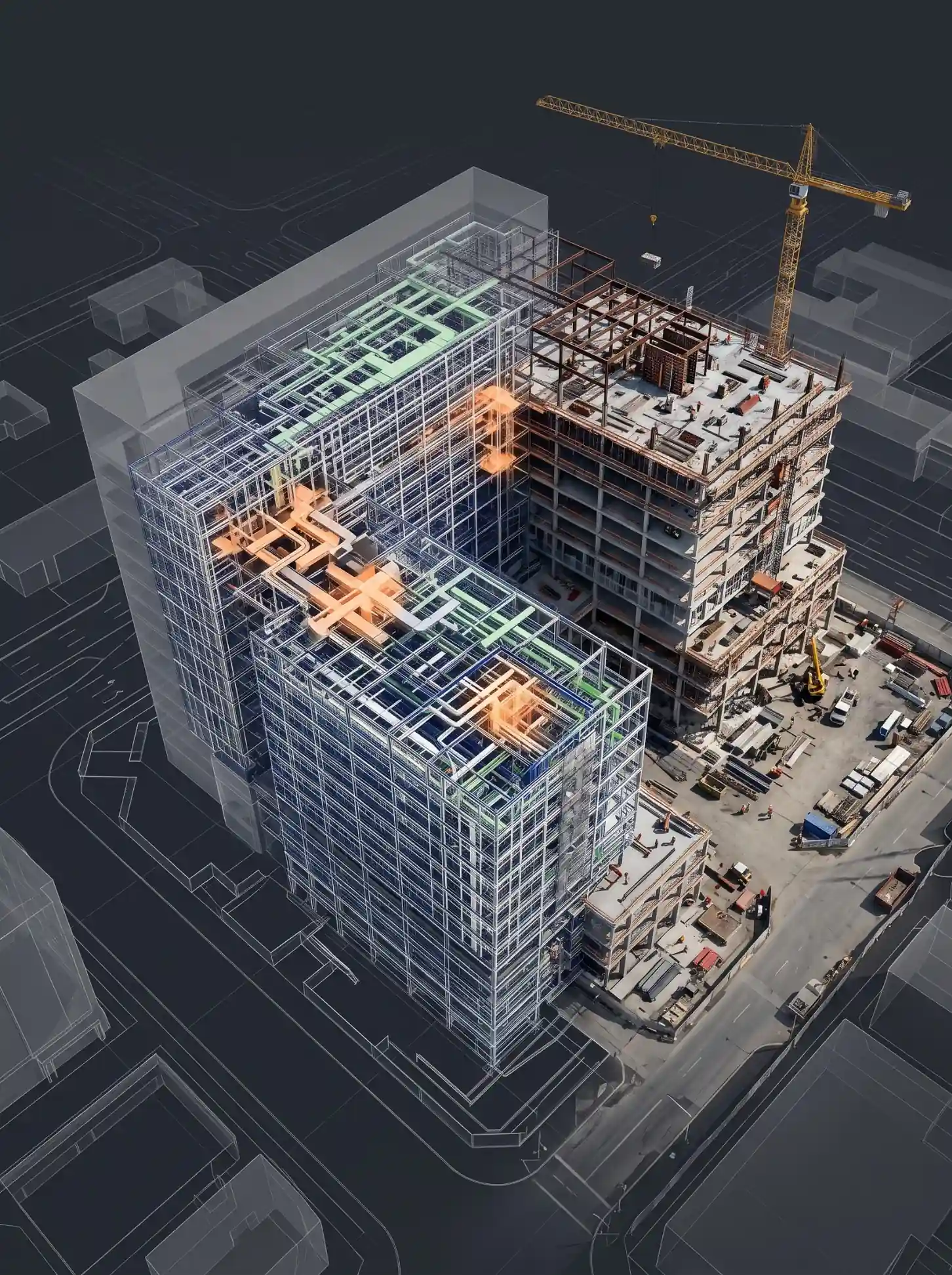
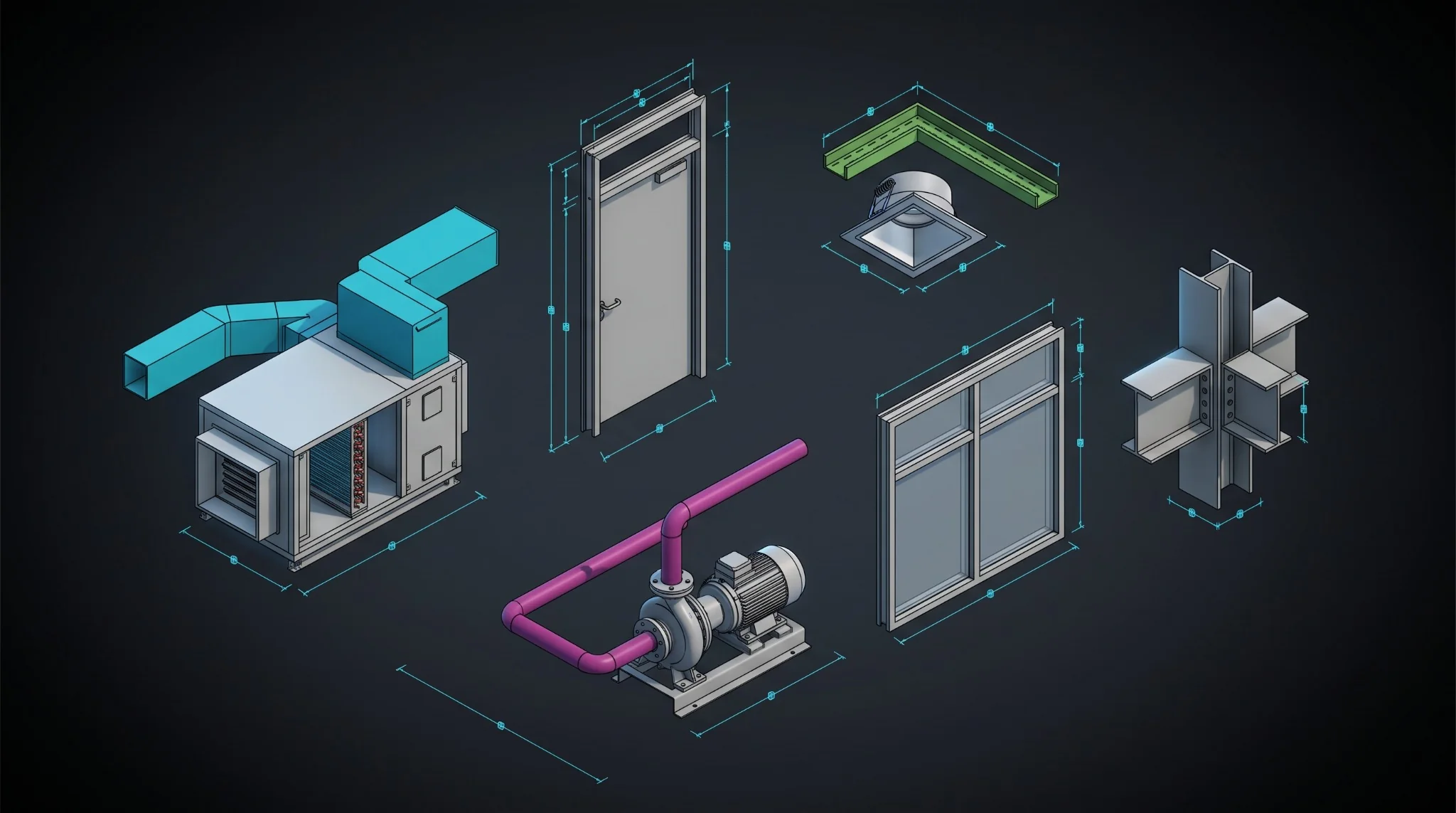
Revit Family Creation Services — Custom parametric BIM families for architectural structural and MEP disciplines
A Revit family is a parametric BIM object that represents a building component — a door, window, piece of MEP equipment, structural connection, or any other element that populates a Revit model. Families carry both geometry (the visual 3D and 2D representation) and data (parameters like size, material, manufacturer, cost) that can be scheduled, tagged, and used in clash detection.
Parametric families use formula-driven dimensions and parameters so that a single family file can generate multiple configurations — different sizes, types, or configurations — without requiring separate geometry for each variant. Non-parametric families have fixed geometry. Parametric families are more powerful and reusable but require more complex construction. Most professional project families should be parametric.
We can create Revit families from: manufacturer data sheets (cut sheets), 2D CAD drawings (.DWG), PDF drawings, sketches, 3D CAD files (SolidWorks, Fusion 360, 3DS Max, SketchUp), or physical object measurements. We review all input materials before commencing production and confirm any dimensional or parameter assumptions before modeling begins.
A simple non-parametric Revit family takes 2–4 hours. A complex parametric family with multiple type variants, nested components, and conditional visibility settings typically takes 8–20 hours. A full office content library of 100+ families may take 3–6 weeks depending on complexity and category range. We provide a specific timeline estimate during scoping after reviewing your family brief.
// The 3 Types of Revit Families

The Three Types of Revit Families — System, Loadable & In-Place

Revit has three distinct family types, each with different creation workflows, behavior in the model, and appropriate use cases. Understanding which type a project requires is the first step in professional Revit family creation — and using the wrong type is one of the most common mistakes in BIM content production.

// Type 01

Loadable Families

Component Families / Standalone Families (.RFA)
Loadable families — also called component families or standalone families — are the most common and versatile Revit family type. They are created in a separate .RFA file outside the project, loaded into the Revit model as needed, and can be used across multiple projects. Doors, windows, furniture, MEP equipment, structural connections, and most manufacturer-specific building products are created as loadable families.

Loadable families are fully parametric — they can have multiple types, formula-driven dimensions, conditional visibility, nested families, and connector geometry for MEP system connections. Because they are stored as .RFA files, they can be shared across projects, added to company content libraries, and distributed to clients or project teams. The vast majority of custom Revit family creation requests from architects, engineers, and manufacturers are for loadable families.

// When to Use Loadable Families
  • Custom doors, windows, curtain wall panels, and architectural components
  • MEP equipment: HVAC units, pumps, electrical panels, plumbing fixtures, sprinkler heads
  • Structural connections: steel connections, base plates, beam profiles
  • Furniture, fixtures, and equipment (FF&E) for interior design
  • Manufacturer-specific building products for BIM object libraries
  • Annotation families: custom tags, title blocks, sheet borders
// Type 02

System Families

Built-in Revit Families — Cannot be saved as .RFA
System families are built into Revit and cannot be created from scratch or saved as .RFA files. They define the building systems that form the basic structure of a model — walls, floors, ceilings, roofs, stairs, MEP pipe and duct systems, structural slabs, and grids. System families can be customized by duplicating existing types, adjusting layer compositions, and creating new type parameters, but they cannot be transferred between projects as standalone files.

System family customization — creating new wall types with specific layer compositions, floor assemblies for acoustic or thermal analysis, MEP pipe and duct system types — is an important part of Revit template creation and project setup. Excelize creates custom system family types as part of Revit template development and BIM Execution Plan setup, ensuring project models start with the correct wall, floor, and MEP system type libraries from day one.

// System Family Examples
  • Custom wall types with specific layer compositions for acoustic/thermal performance
  • Floor and ceiling assemblies for specialist construction types
  • MEP pipe system types and duct system classifications
  • Structural slab types with correct material and analytical parameters
  • Stair and railing system types for project-specific standards
// Type 03

In-Place Families

Project-Specific — One-off Elements Only
In-place families are custom families created directly within a specific Revit project model for unique, one-off building elements that cannot be represented by a standard loadable family. They are built using the same parametric geometry tools as loadable families but exist only within the project file where they were created. In-place families are appropriate for complex, site-specific architectural elements with irregular geometry that is unique to a single project.

In-place families should be used sparingly — they cannot be reused across projects, they increase file size, and they can reduce Revit model performance if overused. For any element that might be needed on more than one project, a loadable family is always the better solution. When in-place families are unavoidable — for heritage restoration work, unique architectural features, or complex site-specific geometry — our team builds them with clean geometry and minimal file size impact.

// When In-Place Families Are Appropriate
  • Heritage restoration elements with highly irregular existing geometry
  • Unique architectural features specific to a single project
  • Complex site-specific structural elements not repeated in future projects
  • One-off interior features for bespoke design projects

Discuss Which Family Type Your Project Needs

Tell us your project requirements — we'll confirm the right family type, template, and parametric approach before starting.

Discuss Which Family Type Your Project Needs
// Revit Family Creation by Discipline

Custom Revit Family Creation Services by Discipline

Excelize creates Revit families for every discipline and every category — from simple annotation tags to complex parametric MEP equipment families with connector geometry and scheduling parameters. Our family creation teams are organized by discipline to ensure each family is built by engineers and architects who understand the system it represents.

// Architectural Revit Families

Architectural Revit Families

Custom architectural Revit families for doors, windows, curtain walls, casework, ceilings, stairs, railings, and all building envelope components. Our architectural family creation team includes Revit-certified architects who understand building performance, spatial relationships, and the LOD requirements for planning submission, construction documentation, and interior design.

Architectural families we create:
  • Doors — single, double, sliding, bi-fold, revolving, fire-rated, custom glazed
  • Windows — fixed, casement, sash, curtain wall inserts, skylights, roof lights
  • Curtain wall panels — glazed units, spandrel panels, louvers, custom mullion profiles
  • Casework & millwork — custom joinery, reception desks, laboratory benches, shelving
  • Staircases — custom stair profiles, railing systems, balustrades
  • Ceiling components — custom ceiling tiles, ceiling features, acoustic panels
  • Site elements — planters, bollards, benches, custom landscape components
  • Specialty elements — heritage architectural details, unique building envelope components
// MEP Revit Families

MEP Revit Families

Custom MEP families for mechanical, electrical, plumbing, and fire protection systems — with correct connector geometry, system classification, and scheduling parameters required for MEP coordination and clash detection. Our MEP family creation team includes mechanical engineers and MEP BIM specialists who ensure all connector geometry, hosting type, and MEP system parameters are correctly configured.

Mechanical (HVAC) families:
  • Air handling units (AHUs), fan coil units (FCUs), VAV boxes, CRAC/CRAH units
  • Pumps, compressors, heat exchangers, cooling towers, boilers
  • Duct accessories — dampers, grilles, diffusers, access doors, flexible connections
  • Pipe accessories — valves, flanges, strainers, expansion joints
Electrical families:
  • Switchgear, distribution boards, panelboards, transformers, UPS
  • Lighting fixtures — recessed, surface, pendant, track, emergency
  • Cable management — cable trays, conduit bodies, junction boxes
  • Security, fire alarm, data, and communication equipment
Plumbing & Fire Protection families:
  • Plumbing fixtures — sinks, toilets, urinals, showers, accessible fixtures
  • Pipe fittings — tees, elbows, reducers, unions, couplings for all pipe materials
  • Fire protection — sprinkler heads, fire hydrants, riser valve assemblies
  • Valves, meters, backflow preventers, pressure regulating equipment
// Structural Revit Families

Structural Revit Families

Custom structural families for steel and concrete construction — connection families, custom beam and column profiles, precast components, and structural annotation. Our structural family creation team includes structural engineers who ensure correct analytical parameters, material properties, and load-bearing element behavior.

Structural families we create:
  • Steel connections — moment connections, base plates, gusset plates, clip angles
  • Custom beam and column profiles for non-standard steel sections
  • Precast concrete elements — wall panels, beams, hollow-core slabs, double-tees
  • Structural foundations — pile caps, pad footings, grade beams
  • Reinforcement families — custom rebar shapes, reinforcement cages
  • Structural annotation — custom structural tags, section markers, grid families
// Annotation & Documentation Families

Annotation & Documentation Families

Custom annotation families, title blocks, sheet borders, and documentation components built to your office drawing standards. These families directly determine how your Revit model documentation looks — and poorly constructed annotation families cause cascading formatting issues across every sheet in the project.

Annotation families we create:
  • Custom room and space tags with specific schedule parameter extraction
  • Door, window, equipment, and structural member tags
  • Section head, elevation marker, and callout families
  • Custom view titles and sheet border families
  • Title blocks with project information parameters, company logo, revision tables
  • North arrows, scale bars, and custom legend components

Share Your Family Brief for a Free Scope Review

Tell us your discipline, family category, and LOD — we'll confirm scope and timeline within 24 hours.

Share Your Family Brief
// Input Formats We Accept

Revit Family Creation — Input Formats We Accept

We can create Revit families from any standard input format — you do not need to convert or prepare your files before sending them to us. We review all input materials before commencing production and confirm any dimensional or parameter assumptions before modeling begins.

Product Data Sheets & PDF Drawings

// Most Common Input
  • Manufacturer cut sheets / product data sheets (PDF)
  • PDF technical drawings with dimensioned views
  • Product catalogues and installation guides
  • Scanned hand sketches with key dimensions

2D CAD Drawings

// AutoCAD .DWG Format
  • 2D CAD drawings in AutoCAD (.DWG) format
  • Plan, section, elevation, and detail views
  • Dimensioned shop drawings and approval drawings
  • Legacy CAD files from any AutoCAD version

3D CAD Files

// SolidWorks, Fusion 360 & More
  • SolidWorks (.SLDPRT, .SLDASM)
  • Autodesk Fusion 360 (.F3D, .STEP)
  • 3DS Max (.MAX) and SketchUp (.SKP)
  • IGES, STEP, and ACIS (.SAT) files

Point Cloud & Scan Data

// From Scan to BIM Workflow
  • Registered point cloud (.RCP, .E57) from laser scanning
  • Physical object measurements for custom as-built families
  • Matterport scan data for interior documentation families
  • Site survey data for site-specific component families

Existing Revit Families

// Repair & Upgrade Service
  • Existing non-parametric families for parametrization upgrade
  • Broken families that fail to load or cause Revit crashes
  • Legacy families from older Revit versions for migration
  • Bloated families for geometry cleanup and optimization

Sketches & Measurements

// No CAD Required
  • Hand sketches with annotated dimensions
  • Physical site measurements and photographs
  • Reference images with key dimensions confirmed
  • Verbal brief with confirmed parameter requirements
// No Pre-Processing Required on Your End

You do not need to convert or prepare your files before sending them to us. Send your data in whatever format you have — PDF, DWG, SolidWorks, Fusion 360, SketchUp, or a scanned sketch — and our team will extract the geometry and parameter information required to build the Revit family. We confirm any dimensional ambiguities before modeling begins, so the delivered family matches your intent precisely.

Send Us Your Input Files for a Free Scope Review

Any format accepted. We'll review your materials and return a scope and timeline within 24 hours.

Send Us Your Input Files
// Our Revit Family Creation Process

Our Revit Family Creation Process — 6 Steps from Brief to Delivered

Every Excelize Revit family creation engagement follows the same structured 6-step process. We do not start building until the brief is complete — and nothing is delivered without passing a full functionality test in a live Revit model.

STEP_01
01

Brief Review & Requirements Confirmation

We review your family brief, reference drawings, product data sheets, and content standards. We confirm parameter names, hosting type (wall-hosted, face-hosted, floor-hosted, or non-hosted), LOD requirements, parametric behavior, and scheduling data requirements before modeling begins. Ambiguities are resolved now — not during modeling.

// Deliverables

Confirmed family brief, parameter list draft, hosting type confirmation

STEP_02
02

Template Selection & Category Setup

The correct Revit family template is selected for each family — the template defines the available reference planes, default parameters, and category classification that cannot be changed after modeling begins. Subcategory structure is defined, line weights and projection settings assigned, and reference plane framework established before any geometry is added.

// Deliverables

Template file selection confirmation, subcategory structure, reference plane framework

STEP_03
03

Parametric Geometry Build

All geometry is built parametrically — dimensions driven by type and instance parameters, visibility controlled by yes/no parameters, type variants created for every size and configuration in the brief. Solid and void geometry is built using Revit's native tools without importing external CAD geometry. Connector geometry is added to MEP families with correct system classification.

// Deliverables

Parametric RFA file with all type variants, internal QA check

STEP_04
04

Parameter Assignment & Standards Classification

All type and instance parameters are populated with correct data: product name, manufacturer, dimensions, materials, OmniClass number, UniFormat assembly code, MasterFormat number, and any project-specific parameters. Shared parameters are used for all parameters intended for scheduling and tagging, ensuring the family integrates correctly with your Revit project templates.

// Deliverables

Fully parametered RFA, shared parameter file, parameter schedule

STEP_05
05

Testing & Quality Assurance

The family is loaded into a clean Revit test project and every type variant is systematically checked. We verify: parameter behavior (all types flex correctly), schedule extraction, tag response, hosting behavior (family loads and places correctly on all valid host types), and performance (file size is within acceptable limits). No family leaves Excelize without passing this test.

// Deliverables

Tested RFA, test project RVT file showing all types placed and scheduled

STEP_06
06

Delivery & Documentation

Final .RFA file is delivered with a content data sheet documenting every parameter (name, type, value range), all family types, hosting requirements, visibility settings, and usage notes. A library schedule in XLSX format lists all families delivered with category, type count, and LOD level for integration into your office BIM content register. Post-delivery support is provided for any integration questions.

// Deliverables

Final RFA files, content data sheet (PDF), test RVT file, library schedule (XLSX)

// No Obligation

Share Your Family Brief for a Scope Review

Send us your brief, drawings, or product data sheets — we'll return a scope, timeline, and quote within 24 hours.

Share Your Family Brief
// Standards Compliance

Revit Family Standards Compliance

Every Excelize Revit family created for US projects is built to comply with the classification and data standards used by US architectural and engineering firms. Correct standards compliance ensures your families integrate with specification writing, cost estimating, and scheduling workflows without manual parameter entry.

// 7 Standards — US Market Compliance
StandardOrganizationApplication in Revit Families
OmniClassNIBS / CSIProduct classification for Revit schedules. OmniClass Table 23 is the standard product classification embedded in Revit families and read by Autodesk's scheduling tools.
UniFormatCSI / CSCAssembly-level classification (building systems and elements). Used for cost estimating, specification writing, and lifecycle cost analysis.
MasterFormatCSISection-level specification classification. Links Revit families directly to construction specifications for integrated specification workflows.
ADA / ANSI A117.1US Access BoardBarrier-free access certification parameters embedded in families for accessible restroom fixtures, door hardware, and accessibility-related elements.
UL / ANSIUnderwriters LabsProduct safety certification parameters for electrical equipment, fire protection, and safety-critical building products.
LEED v4 / v4.1US Green Building CouncilRecycled content percentage, regional material distance, VOC parameters for LEED credit documentation embedded in families.
IFC 4 / IFC 4.3buildingSMARTIFC property sets for open BIM workflows and cross-platform coordination with non-Autodesk BIM tools.
// Standards Compliance as Standard — Not an Add-On

Unlike many Revit family creation providers who add OmniClass and MasterFormat classification as a premium service, Excelize embeds OmniClass, UniFormat, and MasterFormat classification as standard in every family created for US clients. ADA, ANSI, and LEED parameter sets are added for applicable product categories. This ensures your content integrates with US specification writing, cost estimating, and sustainability documentation workflows without additional parameter setup by your team.

Request Standards-Compliant Revit Families for Your US Project

OmniClass, UniFormat, MasterFormat, ADA, LEED — all included as standard for US market deliveries.

Request a Revit Family Quote
// Manufacturer BIM Content Creation

Manufacturer BIM Content Creation Services

// Industry Research — Manufacturer BIM Content & Specification Rates

Building product manufacturers who provide BIM content to architects and engineers see significantly higher specification rates for their products. A 2024 NBS survey found that 87% of US architects use BIM authoring software as their primary design tool, and 74% are more likely to specify a product that has Revit-ready BIM content available for download. Manufacturers without BIM content lose specification opportunities to competitors who provide it.

For building product manufacturers, equipment suppliers, and furniture distributors across the USA, Revit-ready BIM content is a direct business development investment. When an architect or MEP engineer can download an accurate, lightweight Revit family representing your product — with correct geometry, accurate parameters, and product data embedded — it dramatically increases the probability that your product is specified, scheduled, and used in the final design.

Excelize creates manufacturer-specific Revit families that represent your actual products — accurate dimensions from your product datasheets, all size and configuration variants as parametric family types, embedded product data parameters (model number, manufacturer, weight, catalog URL), and compliance classification data (OmniClass, UniFormat, MasterFormat). We deliver content that works correctly in architects' and engineers' Revit projects from day one.

// Product Categories We Create BIM Content For
Plumbing Fixtures HVAC Equipment Electrical Equipment Furniture & FF&E Structural Products Building Envelope Fire Protection Specialty Equipment
// What Manufacturer BIM Content Includes
Data TypeWhat We Embed
Product GeometryAccurate 3D geometry from manufacturer drawings, spec sheets, or 3D CAD files at specified LOD
Type ParametersAll product variants as Revit family types — sizes, configurations, models
OmniClass NumberStandardized product classification for Revit scheduling and specification linking
UniFormat CodeAssembly-level classification for cost estimating and specification writing
MasterFormat NumberConstruction specification classification for CSI MasterSpec integration
Manufacturer DataManufacturer name, product model, catalog number, URL, support contact
ADA / AccessibilityBarrier-free certification parameters where applicable (ANSI A117.1)
LEED CreditsRecycled content %, regional material distance, VOC parameters where applicable
IFC PropertiesIFC property sets for open BIM workflows and non-Autodesk platforms
Product DocumentationLink to manufacturer spec sheet, installation guide, and warranty document
// Testing & Quality Assurance

100% Tested Before Delivery — Every Revit Family

Every Excelize Revit family creation engagement produces a complete deliverable package — not just a .RFA file. Every family is loaded into a clean Revit test project and every type variant is systematically verified before delivery. This eliminates the most common complaint about outsourced Revit family creation — content that appears correct in the RFA but fails in the live project environment.

// What We Test Before Every Delivery
Parametric Behavior
All type variants flex correctly — every dimension, parameter, and conditional visibility setting performs as specified.
Schedule Extraction
All parameters appear correctly in Revit schedules — shared parameters extract to schedule columns without errors.
Tag Response
Custom tags read parameters correctly — all parameter references in tag labels return the expected values.
Hosting Behavior
Family loads and places correctly on all valid host types — wall-hosted, face-hosted, floor-hosted, or non-hosted.
File Size Performance
File size is within acceptable limits for the complexity level — no bloated geometry that degrades model performance.
// Family Repair & Migration Service

Have Existing Families That Are Causing Problems?

We repair and upgrade existing families — fixing incorrect hosting type, correcting subcategory structure, cleaning bloated geometry, adding missing LOD geometry, repairing broken parametric behavior, and migrating families from older Revit versions to current standards.

  • Fixing families that fail to load or cause Revit crashes
  • Correcting incorrect category or subcategory assignments
  • Cleaning bloated geometry that degrades model performance
  • Adding missing parametric behavior to static families
  • Migrating legacy families to current Revit version standards
  • Rebuilding non-parametric families as fully parametric content
Send Us a Broken Family for Free Diagnosis
// What You Receive — Revit Family Deliverables
DeliverableWhat It Contains
Revit Family File (.RFA)Fully parametric family with all type variants, correct subcategory structure, parameter framework, visibility settings, and LOD geometry. Tested and ready for immediate use.
Test Project File (.RVT)Revit project showing all family types placed, scheduled, and tagged. Proof of correct parametric behavior and a reference file your team can use to verify expected functionality.
Content Data Sheet (.PDF)Parameter list (name, type, value range), family type list, hosting requirements, visibility settings, and usage notes. Everything needed to integrate the family without additional support.
Library Schedule (.XLSX)Complete content schedule listing every family delivered — name, category, subcategory, type count, parameters, and LOD level — for integration into your office BIM content register.
Shared Parameter File (.TXT)Shared parameter definitions for all parameters intended for scheduling and tagging, ensuring correct extraction in your Revit project environment.

Request a Sample Revit Family Deliverable Package

See exactly what you'll receive — sample RFA, test RVT, content data sheet, and library schedule from a past project.

Request a Sample Deliverable Package
// Pricing & Turnaround

Revit Family Creation — Pricing & Turnaround

Revit family creation pricing is based on family complexity, parametric depth, type variant count, and the number of families in the engagement. Contact us for a project-specific quote within 24 hours of receiving your family brief.

// Typical Turnaround by Family Type
Family Type / ComplexityTypical Turnaround
Simple non-parametric family (fixed geometry)2–4 hours
Standard parametric family (single category, basic types)4–8 hours
Complex parametric family (multiple types, nested families)8–20 hours
MEP equipment family (connector geometry, system classification)8–24 hours
Family batch (10–20 families, similar category)5–10 business days
Office content library (50–100 families)3–4 weeks
Full BIM content library (100+ families)4–8 weeks
Family repair & migration (existing families)1–3 business days per family
// Pricing Components
ComponentWhat Affects Cost
Family ComplexitySimple static geometry vs full parametric with conditional visibility and nested families
Type Variant CountNumber of distinct size, configuration, or model types required in the family
Parameter DepthScheduling parameters only vs full OmniClass, UniFormat, MasterFormat, LEED, ADA classification
Input QualityClean manufacturer CAD vs PDF extraction vs measured survey from physical object
DisciplineMEP families with connector geometry require more production time than annotation or simple architectural families
Volume DiscountBatch engagements of 10+ families qualify for volume pricing
// Factors That Affect Revit Family Creation Cost

Parametric Complexity

Simple fixed geometry families cost less than complex parametric families with multiple types, formula-driven dimensions, and conditional visibility.

Number of Type Variants

A family with 2 types costs less than one with 20 type variants requiring individual QA testing across every configuration.

MEP Connector Geometry

MEP equipment families requiring connector geometry, system classification, and flow parameters take significantly more time than non-hosted families.

Standards Classification

OmniClass, UniFormat, MasterFormat, ADA, and LEED parameter sets add scope but are included as standard in our US market delivery.

Input Material Quality

Clean, dimensioned manufacturer CAD files reduce production time. PDF extraction and physical measurement increase time and cost.

Batch Volume

Engagements of 10+ families of similar category qualify for batch volume pricing. Office content library programs receive the best rates.

// Quote Within 24 Hours of Receiving Your Family Brief

Send us your family brief — drawings, product data sheets, parameter list, or a written description of what you need. We will review the input materials and return a firm quote with timeline within 24 hours. No scope review fee. No commitment required to receive a quote.

Get a Revit Family Creation Quote in 24 Hours

Share your family brief — we'll return a firm quote and delivery timeline within 24 hours.

Get a Revit Family Quote in 24 Hours
// Who Needs Revit Family Creation Services?

Who Needs Revit Family Creation Services?

Revit family creation services are needed by every team that uses Autodesk Revit and requires content that is not available in the standard Autodesk library. Here is how each buyer type benefits.

Architecture Practices

Architects need custom families for project-specific doors, windows, curtain wall components, casework, and specialist architectural elements not available in standard Revit libraries. We create office content libraries to your naming and parameter standards, reducing the time your team spends searching for or modifying stock families on every new project.

MEP Engineering Firms

MEP engineers need equipment families for manufacturer-specified HVAC, electrical, and plumbing equipment with correct connector geometry, system classification, and scheduling parameters. Standard Revit content libraries rarely include the specific equipment your engineers specify — forcing them to use inaccurate generic families or spend hours creating custom content on every project.

Structural Engineers

Structural engineers need custom connection families, non-standard beam profiles, precast component families, and structural annotation tags. We build structural families with correct analytical parameters, material properties, and load-bearing element classifications required for structural modeling and documentation.

Product Manufacturers

Manufacturers who provide Revit-ready BIM content for their products are specified more frequently by architects and engineers. We create manufacturer-specific Revit families representing your actual products — accurate geometry, all product variants, embedded product data, OmniClass/UniFormat/MasterFormat classification — ready for distribution on your website or BIMobject.

BIM Managers

BIM managers need to build and maintain office content libraries that are consistent, lightweight, correctly parameterized, and current across all Revit versions. We develop and maintain BIM content libraries for AEC practices — creating new families to brief, repairing existing content, and keeping the library current as Revit versions change.

Interior Designers

Interior designers need custom furniture, fixture, and equipment (FF&E) families for finish plans, furniture schedules, and coordination with MEP systems. We create furniture families for space planning at LOD 200 and detailed FF&E families with finish parameters and material specifications for interior design documentation.

General Contractors

GCs need temporary works families, construction sequence components, formwork families, and as-built content families for handover BIM models. We create construction-phase families for site management, quality control, and LOD 500 as-built documentation required for facilities management handover.

Tell Us Your Role — We'll Scope the Right Family Brief

Request a Quote

Tell Us Your Role — We'll Scope the Right Family Brief

Architecture firm, MEP firm, manufacturer, BIM manager — we'll confirm the right approach for your specific Revit family needs.

Tell Us Your Role
// Why Choose Excelize

Why Choose Excelize for Revit Family Creation Services?

Six reasons why BIM managers, architects, MEP engineers, and product manufacturers across the USA choose Excelize for custom Revit family creation.

100% Tested Before Delivery — Every Family

Every Revit family we create is loaded into a clean Revit test project and every type variant is systematically verified: parametric behavior, schedule extraction, tag response, hosting, and file size. No family leaves Excelize untested. This eliminates the most common complaint about outsourced Revit family creation — content that appears correct in the RFA but fails in the live project environment.

Built from Scratch, Not Stock Content

We do not download generic stock families and rename them. Every Revit family creation engagement starts from the correct Revit family template for the category — correct subcategory structure, clean reference plane framework, and geometry built parametrically from the beginning. This ensures that every family behaves correctly in your specific Revit project environment and content standards.

All Disciplines, One Provider

Architectural, structural, MEP, annotation, manufacturer content — every discipline covered under one Revit family creation engagement. Your team does not need separate providers for different family types. Consistent parameter naming, subcategory standards, and LOD geometry across all disciplines, from a single team that knows your content requirements.

21+ Years of BIM Production Experience

Since 2003, Excelize has been creating BIM content for complex projects across the USA, UK, Middle East, and Asia Pacific. Our family creation team includes architects, MEP engineers, and structural engineers who use Revit families in live project environments daily — giving them practical insight into what makes content perform correctly under real project conditions.

Standards-Compliant for the US Market

Every family we create for US clients is built with OmniClass, UniFormat, and MasterFormat classification as standard. ADA, ANSI, and LEED parameter sets are added for applicable product categories. This ensures your content integrates with US specification writing, cost estimating, and sustainability documentation workflows without additional parameter setup.

Fast Turnaround with Clear Milestone Communication

Simple families are delivered in 2–5 business days. Complex parametric families take 5–10 business days. Full content library programs are scoped with milestone delivery schedules. Your project manager tracks every family through production, testing, and delivery — with proactive communication on progress and any brief clarifications needed.

21+Years BIM Family Creation
2,500+Projects Delivered
100%Tested Before Delivery
AllDisciplines Covered

Request a Revit Family Quote — Response in 24 Hours

Share your family brief, drawings, or product data sheets — we'll return a scope and quote within 24 hours.

// Our Revit Family Creation Projects

Revit Family Creation Projects in USA

Custom parametric Revit families across MEP, architectural, structural, annotation & manufacturer content — LOD 100 to LOD 500.

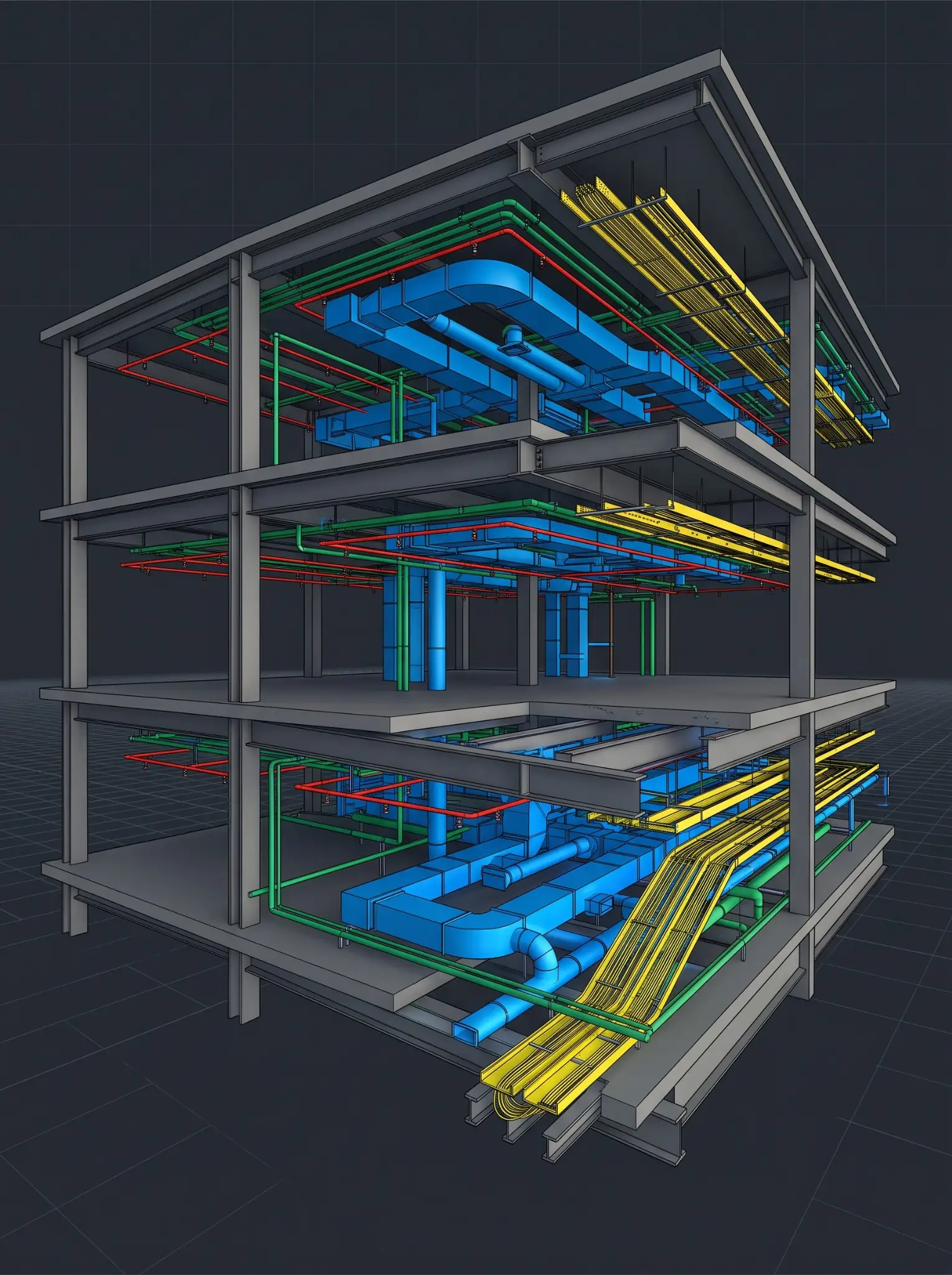
MEP Equipment Revit Family Library — 150+ parametric families for commercial office fit-out USA MEP // PROJ_01

MEP Equipment Family Library

Chicago, IL — USA

150+Families
AHU & FCU Families Electrical Panel Families Plumbing Fixture Families Fire Protection Families Connector Geometry 100% Tested & Documented
LOD 350Detail Level
MEPDiscipline
RevitSoftware
Manufacturer HVAC Equipment Revit Family Library — OmniClass MasterFormat parametric BIM content USA Manufacturer // PROJ_02

Manufacturer BIM Content — HVAC

Houston, TX — USA

80+Product Families
All Product Variants OmniClass Classification MasterFormat Numbers UniFormat Assembly Codes Connector Geometry BIMobject Ready
LOD 300Detail Level
HVACCategory
RevitSoftware
Structural Steel Connection Revit Family Library — moment connections base plates gusset plates USA Structural // PROJ_03

Structural Connection Family Library

New York, NY — USA

45+Connection Families
Moment Connection Families Base Plate Families Gusset Plate Families Clip Angle Families Analytical Parameters Material Properties
LOD 400Detail Level
StructuralDiscipline
RevitSoftware
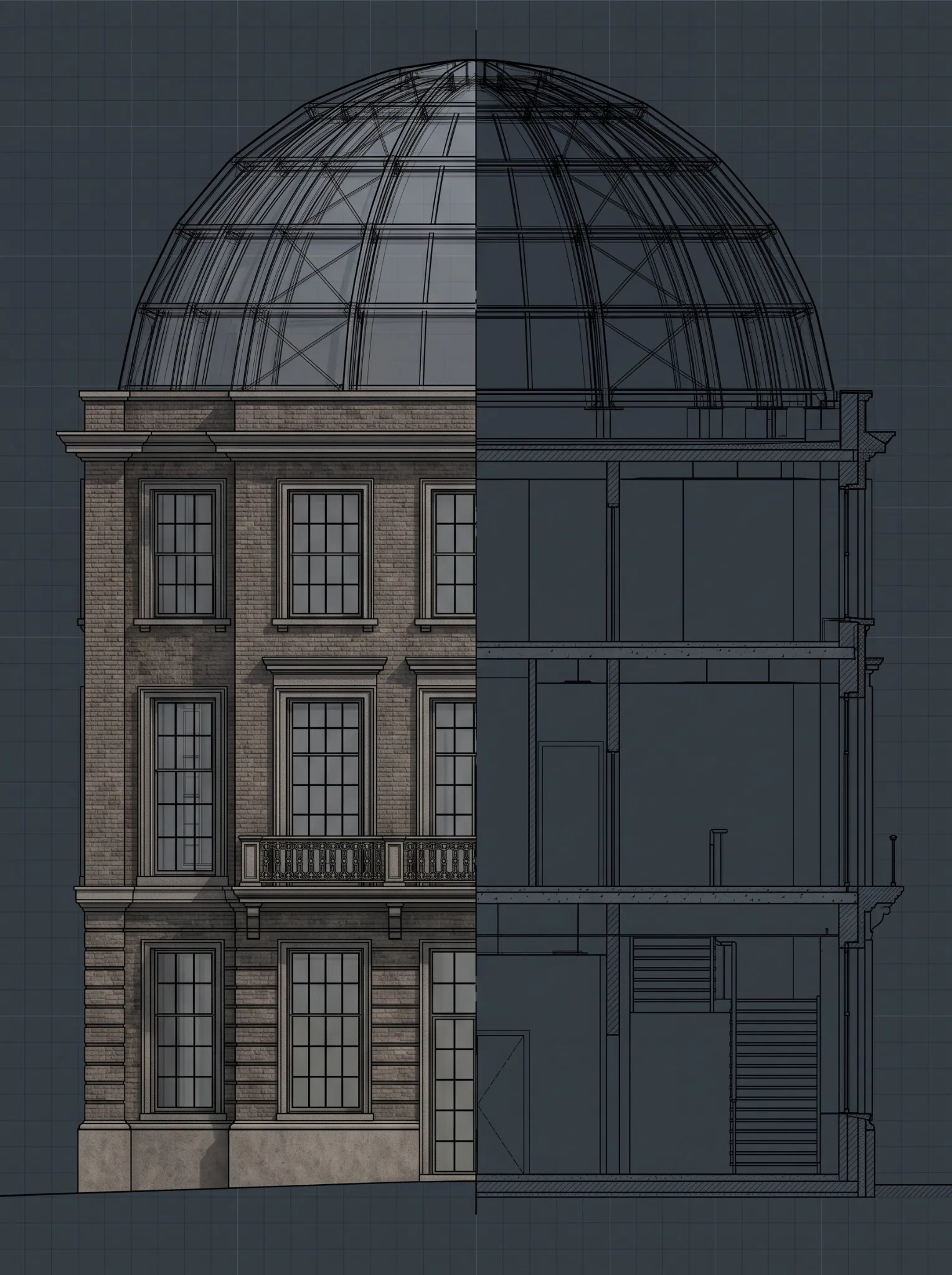
Heritage Architectural Revit Families LOD 400 — conservation-grade stone corbels cornices custom doors Boston USA Heritage // PROJ_04

Heritage Architectural Family Library

Boston, MA — USA

60+Heritage Families
Stone Corbel Families Decorative Cornice Families Custom Door & Window Frames Built from Scan Data Conservation-Grade Accuracy In-Place + Loadable Types
LOD 400Detail Level
HeritageBuilding Type
Revit + ReCapSoftware
Office Revit Content Library — 200+ families doors windows casework furniture annotation title blocks USA Content Library // PROJ_05

Office BIM Content Library

Los Angeles, CA — USA

200+Total Families
Door & Window Families Casework & Millwork Furniture & FF&E Annotation Tags Custom Title Blocks Library Register (XLSX)
LOD 200–300Detail Level
All DisciplinesScope
RevitSoftware
Hospital FF&E and MEP Revit Family Library — accessible fixtures medical equipment nurse call fire protection USA Healthcare // PROJ_06

Hospital FF&E & MEP Family Library

Dallas, TX — USA

120+Hospital Families
Accessible Fixture Families Medical Equipment Families Nurse Call System Fire Protection Families ADA Parameters OmniClass Classification
LOD 350Detail Level
HealthcareBuilding Type
RevitSoftware

Due to active NDAs, client names and actual project images are not disclosed. Representative visuals are used for illustration purposes only.

// Client Stories

What Our US Clients Say About Our Revit Family Creation Services

Discuss Your Project

"Excelize created a library of 85 custom MEP equipment families for our engineering practice — all fully parametric, correctly categorized, and tested. Our modelers used to spend 2–3 days per project searching for and modifying generic families. Now they load ours and they work correctly in the first placement. The content data sheets made library integration effortless."

BIM Manager

MEP Engineering Firm · Chicago, IL

"We submitted 120 product cut sheets for our HVAC equipment line to Excelize for Revit family creation. They returned fully parametric families with every product variant, correct OmniClass and MasterFormat classification, and connector geometry that worked first time in coordination models. Our specification rates with architects using Revit have increased measurably since we started distributing the content."

BIM Content Manager

HVAC Equipment Manufacturer · Houston, TX

"Our office had 400+ legacy Revit families from 15 years of practice — many with broken parameters, incorrect categories, and bloated geometry causing performance issues. Excelize audited the library, repaired 280 families, and rebuilt 60 from scratch to our current standards. The model performance improvement was immediate. Our team trusts the content library now."

Associate Director

Architecture Practice · New York, NY

// Common Questions

Frequently Asked Questions — Revit Family Creation Services

Ask Our Team
Revit family creation is the process of building custom parametric BIM objects — called Revit families — for use in Autodesk Revit projects. A Revit family represents a specific building component — a door, window, MEP equipment item, structural connection, or manufacturer product — with both 3D and 2D geometry and embedded data parameters for scheduling, tagging, and BIM coordination.
The three Revit family types are: (1) Loadable families — standalone .RFA files, fully parametric, reusable across projects. (2) System families — built into Revit (walls, floors, ducts, pipes), customizable but not saveable as standalone files. (3) In-place families — created within a specific project for unique, site-specific geometry. See our full guide to Revit family types.
We work from: manufacturer cut sheets / data sheets (PDF), 2D CAD drawings (AutoCAD .DWG), 3D CAD files (SolidWorks, Fusion 360, 3DS Max, SketchUp), or physical product dimensions. We confirm all dimensional and parameter assumptions with you before modeling begins to prevent revision cycles.
A simple non-parametric family takes 2–4 hours. A complex parametric family with multiple type variants takes 8–20 hours. Full content library programs (50–200+ families) typically take 3–8 weeks. We provide a specific timeline after reviewing your family brief.
Yes. Manufacturer BIM content creation is a core service. We create product-specific Revit families from your data sheets or 3D CAD files with accurate geometry, all product variants, and embedded product data including OmniClass, UniFormat, MasterFormat classification, ADA parameters, and LEED data. Ready for BIMobject or direct client distribution.
Our Revit families comply with OmniClass (Table 23), UniFormat assembly classification, MasterFormat specification classification, ADA/ANSI A117.1 accessibility parameters, UL certification parameters, LEED v4 material parameters, and IFC 4 property sets. All standards compliance is confirmed during brief review and documented in the content data sheet.
Yes. Our family repair service fixes broken hosting, corrects subcategory assignments, cleans bloated geometry, adds missing parametric behavior, migrates families to current Revit version standards, and rebuilds non-parametric families as fully parametric content. Every repaired family is fully re-tested before re-delivery.
Standard deliverables: .RFA (Revit family file), .RVT (test project showing all types placed and scheduled), .PDF content data sheet, .XLSX library schedule for BIM content register integration, and .TXT shared parameter file. IFC export available for open BIM workflows. DWG export available on request.
Parametric families use formula-driven dimensions and parameters to generate multiple configurations from a single .RFA file. Non-parametric families have fixed geometry. Parametric families are more powerful and reusable — appropriate for any component that comes in multiple sizes or configurations. Most professional project families should be parametric.
Yes. We develop complete office Revit content libraries — custom families across every category, built to your parameter naming conventions, subcategory standards, and line weight settings. Full library programs include milestone delivery schedules, regular client review sessions, and ongoing maintenance support as your requirements evolve.
Get Your Free BIM Plan — Excelize USA
Excelize BIM Team

Ready to get started?
Share your brief — get a
BIM plan in 48 hours

Fill in the form — our BIM team will send you a detailed execution plan, LOD recommendations, and a firm quote. No obligation, no spam.

01

Submit Your Brief

Share project type, size, disciplines needed, and timeline.

02

We Review & Plan

Our BIM experts analyse your brief and prepare a detailed scope.

03

Get Your Plan in 48hrs

BIM plan, LOD matrix, timeline, and fixed-price quote in your inbox.

1
2

Get Your Free BIM Plan in 48 Hours


    100% Secure
    Fast Response
    No Obligation
    Google
    Google Reviews 4.4 (27)
    Collaborate with Excelize

    On a mission to make AECO community future-ready
    and successful with technology

    Get a quote