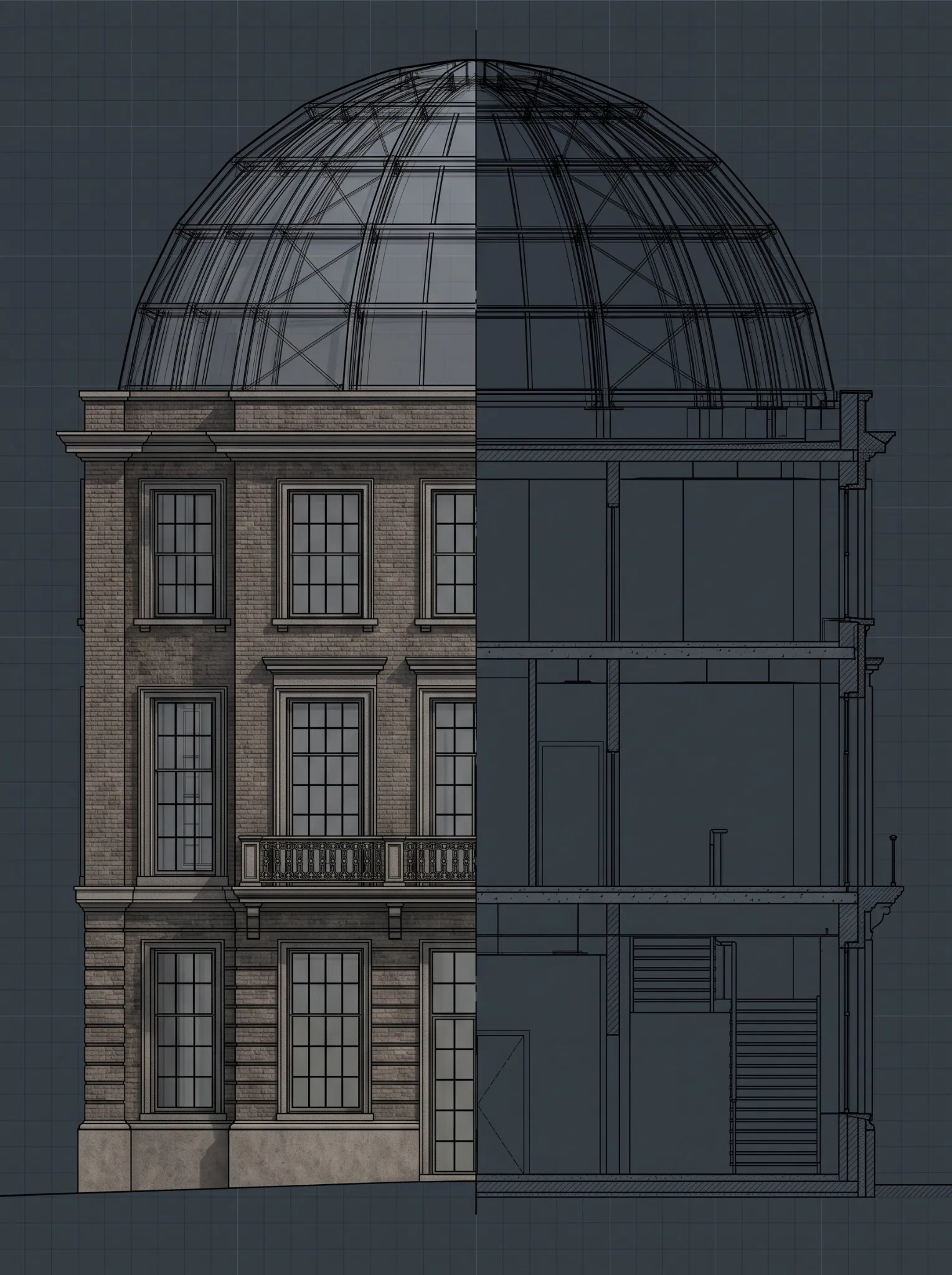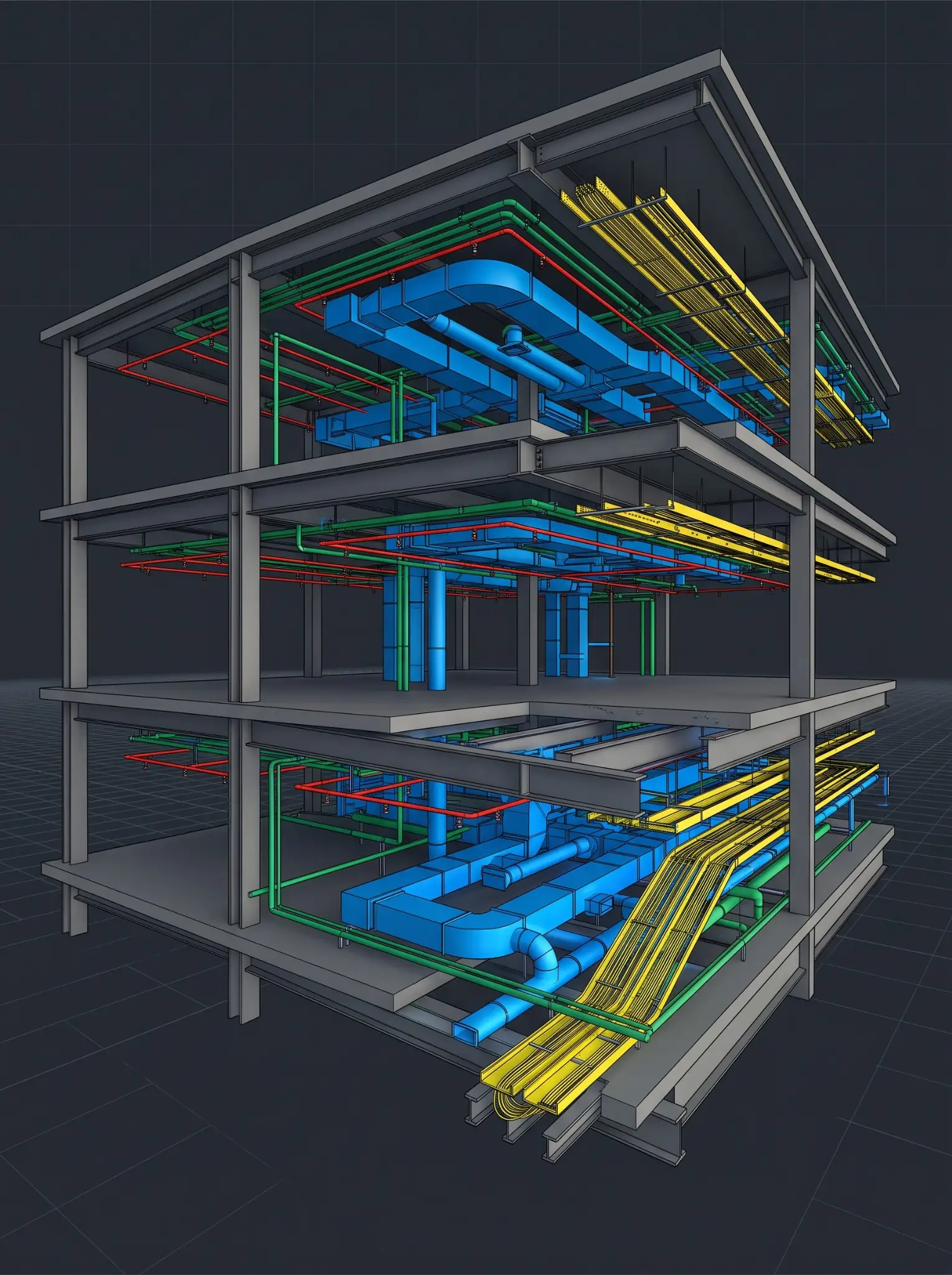

Revit Automation: How AI Is Cutting BIM Modeling Time by 40% in 2026
January 17, 2026
The Architecture, Engineering, and Construction (AEC) industry is experiencing rapid growth, and Building Information Modeling (BIM) is at the forefront of this transition. The integration of BIM and AI is crucial for all AEC professionals to achieve faster workflows and higher-quality outcomes.
In the AEC industry, many processes are repeated often, but AI-driven Revit automation makes these processes easy and reduces the time by nearly by 40%. This shift did not happen suddenly, but it happened after the convergence of several technologies, including machine learning, rule-based automation, generative design, etc.
This article explores how the AI-powered Revit automation will achieve these gains in 2026. What are the tasks to be automated, and what will impact the BIM professionals?
From Parametric Modeling to Intelligent Modeling
Revit has always been parametric, but parametric does not mean intelligent. Traditionally, BIM teams still had to:

- Manually locate and update model elements
- Set up and manage families
- Resolve clashes through repeated coordination cycles
- Process 2D inputs and convert them into 3D models
In 2026, AI will do more than just respond to user inputs; it will gain insights from the project data and streamline the repetitive modeling processes.
This result replaces the drawing and fixing with reviewing and guiding.
The reasons for the 40% drop in modeling time
The 40% improvement mainly comes from the five areas. To get the full benefit, you don’t need all five; many companies are getting the complete benefits with the combination of any three.

1. Faster navigation and model handling
Oftentimes, we ignore the easiest timesaver. If Revit gets faster, it can make your entire day faster. If the activation process, graphic responsiveness, and navigation improves then all the modelling actions become less challenging.
In 2026 Revit, performance works are highlighted, including streamlined views and seamless navigation. These processes greatly reduce the difficulties in day-to-day modeling, particularly on large projects.
It is less effective but matters because a 10-20% reduction in waiting time saves hundreds of hours throughout the lifetime.
2. Automating repetitive modelling
This is the best update in Revit automation. If your team is still repeating the same steps, such as sheet up, renumbering, exporting, tagging, etc., then you are paying tax on every project.
In 2026, more companies will start with automation:
- Batch exports, scheduled reports, and repetitive workflows are automated with tools created especially for the Revit production environment.
- PyRevit is becoming very popular as an effective solution for the quick implementation of internal automation, allowing organizations to standardize the routine processes independently without the delay of custom software releases.
- DiRoots and other plugins are commonly used to accelerate documentation and data management activities, which can be a time-consuming task in live projects.
3. Better ‘model from reality’ workflows
Reality capture is not new for BIM; it’s been a part of the ecosystem for years, but by 2026 workflow stands out due to a smoother pipeline. Autodesk has been focusing on the tighter pipeline between Revit and reality capture workflows to minimize the transition pain between scan data and BIM models.
This saves time because:
- Existing conditions modeling frequently takes more time on renovation and retrofit projects.
- More streamlined scan-to-model workflow minimizes the manual interpretation errors, reworks, and site revisits.
4. Coordination that happens continuously, not in bursts
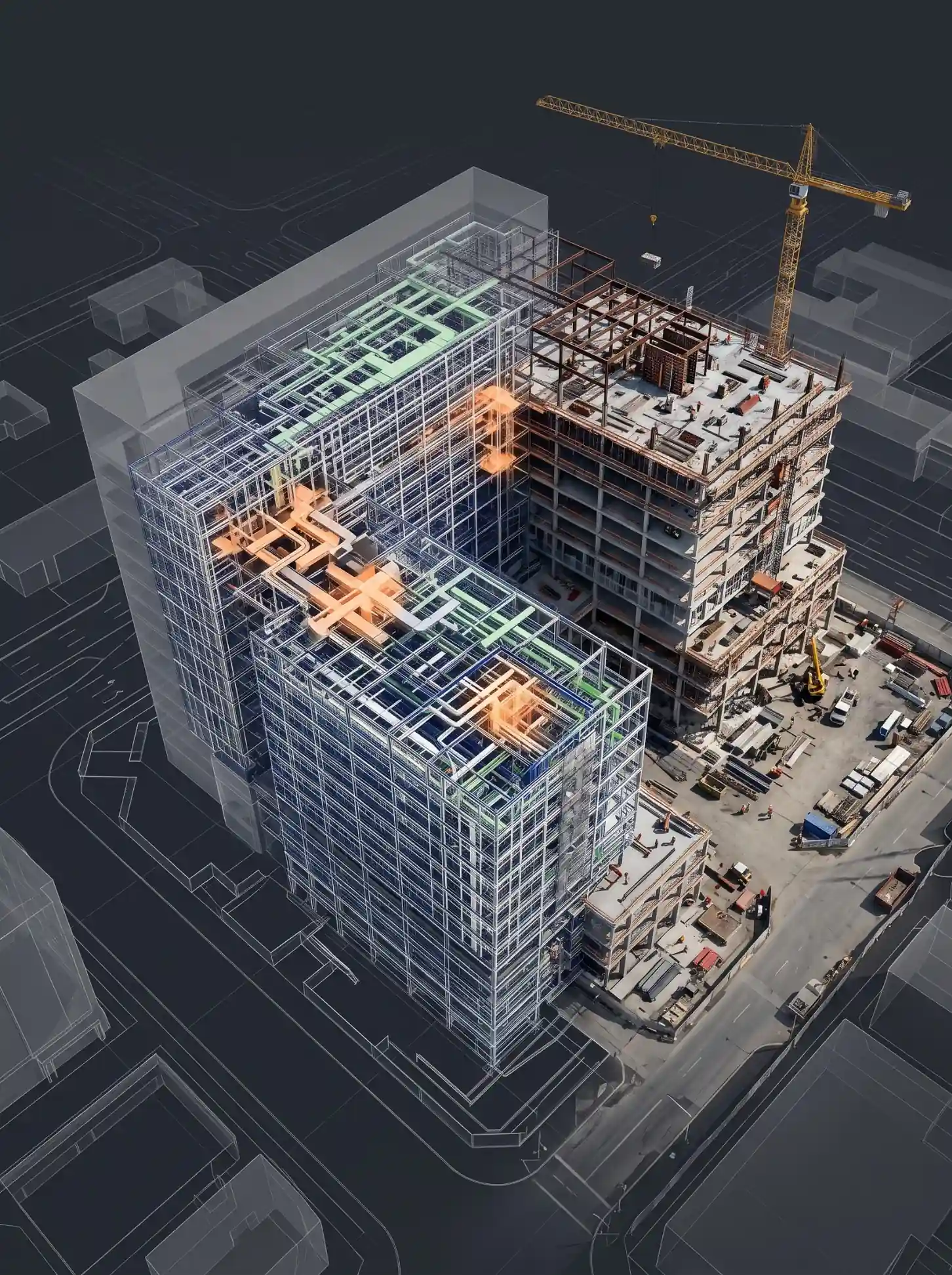
Traditional coordination is a discrete cycle of export, federate, clash detection, resolve issues, and repeat. By 2026, organizations will have changed their approach to adopt the cloud-based platforms to enable earlier and continuous coordination.
There are some tools and software that support clash detection and group clashes that streamline review and issue resolution.
Where can you save time:
- Reduce late design rework
- Less time and resources spent on unimportant clashes
- Prompt decision making as are tracked earlier in the modelling process
Instead of treating all the clashes in the same way, AI helps to find which clashes are most important, so that the BIM lead can spend their time fixing the issues priority-wise.
5. Generative design that produces options instead of a starting point
Generative design is often misunderstood as AI making designs for you. In reality its more useful as automation for exploration, helps the team try many options faster, and makes better decisions.
Generative designs in Revit help to create alternatives based on goals, rules, and inputs, often by using Dynamo graphs as study types.
- How it saves the modelling time:
- Faster early layouts (Plans, seating, unit mixes)
- Early MEP routing before committing to a path
- Space planning and performance-based iterations
Instead of building five options manually, teams can create multiple options at once and model one that best meets the goal.
Why is the integration of AI in AEC important
- Increasing Industry Demand
- How AI in BIM can deliver value in your projects
- Shorter Delivery Time
- Lower Costs
- Better Decisions Earlier
- Improved Sustainability
- More Valuable As Builts
Possible Challenges:
Despite Revit automations many benefits, it also comes with several challenges
- Input data quality directly affects the AI output
- Too much dependency on AI can hide the problems if no one checks the work
- Ethical and regulatory concerns around AI must be considered
That is the reason why successful teams use automation as a helper, not something that we blindly trust.
Conclusion:

Revit automation in 2026 is not about just one tool or feature, but it’s a workflow strategy. Organizations that combine faster performance, plugin-based automation, dynamo-driven consistency, cloud coordination, and generative exploration are achieving the largest reduction in modelling time. The 40% productivity gain is possible only when the automation is used as a part of project delivery and not an occasional experiment.
FAQ’s
What is AI-powered automation?
AI-powered automation in Revit uses AI, rules, and scripts to automate repetitive modeling, documentation, and coordination tasks, reducing manual effort and errors.
How does AI reduce BIM modelling time by 40%?
The time savings come from faster Revit performance, automated repetitive tasks, improved scan-to-model workflows, continuous coordination, and generative design, often achieved by combining three or more of these areas.
What role does PyRevit play in automation?
PyRevit allows teams to quickly build internal automation tools and standardize workflows without waiting for commercial software updates.
Is generative design replacing designers?
No. Generative design, often using Dynamo, helps teams explore multiple options faster, not replace human decision-making.
How does AI improve early project decisions?
It enables faster option testing, early coordination feedback, and performance-based comparisons, reducing late-stage changes.