



On March 30, 2026, Autodesk Construction Cloud officially became Autodesk Forma. Four months later, on July 31, 2026, Autodesk retired BIM 360 Glue. That’s two platform changes in one year for the platform many U.S. general contractors use as their common data environment.
If your Autodesk Construction Cloud BIM workflow still lives in BIM 360 projects, nothing has broken. But your BEP, your trade contracts, and your onboarding documents probably name products that no longer exist under those names. And the bigger question hasn’t changed: is your CDE set up so that trades, designers, and your VDC team all work from the right version of the model?
This guide covers both. First, what BIM 360, ACC, and Autodesk Forma are now called and what that means for live projects. Then, how a U.S. GC runs a clean CDE workflow on the platform, from kickoff to closeout.

gement with better collaboration, document management, and real-time project visibility. By integrating BIM 360 tools such as BIM 360 Docs, Design, Coordinate, and Build simplifies the processes, increases productivity, and enhances the quality of the work.
BIM 360, ACC, and Autodesk Forma: what is each called now?
BIM 360 is the original platform. Autodesk Construction Cloud (ACC) was its successor, and ACC is now Autodesk Forma. Autodesk calls the March 2026 change “a brand and experience evolution, not a platform replacement,” and says there’s no data migration and no URL, login, API, or integration change.
Here’s how the old BIM 360 modules map to today’s names, based on Autodesk’s own product transition article:
| BIM 360 module | ACC name (until March 2026) | Autodesk Forma name (current) | What a GC uses it for |
| BIM 360 Docs | Autodesk Docs | Forma Data Management | Drawings, models, specs, reviews, and version control |
| BIM 360 Design | BIM Collaborate Pro (Design Collaboration) | Forma Design Collaboration | Design teams sharing Revit models in packages |
| BIM 360 Coordinate | BIM Collaborate (Model Coordination) | Forma Model Coordination | Federated models, clash detection, and coordination issues |
| BIM 360 Build | Autodesk Build | Forma Build | RFIs, submittals, field issues, and inspections |
| BIM 360 Glue | No direct successor | Retired July 31, 2026 | Legacy model viewing and clash review |
Two smaller changes matter for admins. ACC “accounts” are now called Hubs, and account admins are now Hub Admins. Email notifications also carry Forma branding, so Autodesk recommends adding them to your safe sender lists.
The terminology fix to make in your documents
Use one consistent name everywhere, and add the old name once so nobody gets confused. A clear convention:
- For the platform: “Autodesk Forma (formerly Autodesk Construction Cloud, ACC)” on first mention, then “Autodesk Forma”.
- For legacy jobs: “BIM 360” only for projects that still live in the BIM 360 platform.
- For modules: The current Forma name, such as “Forma Model Coordination”, with the old name in brackets the first time.
Update your BEP template, your BIM requirements exhibit in trade contracts, and your project onboarding guide. Trades read those documents to set up their accounts, and an outdated product name is one more reason for a late model upload.
Do you have to move BIM 360 projects to Autodesk Forma?
Not right away. Autodesk says it has “no plans to retire the BIM 360 platform”, but that it “will no longer be improved or have new features added.” Older BIM 360 classic tools, including Glue, Team, and Plan, are a different story, and Glue is already retired.
That makes the move a planning decision, not an emergency. A practical approach for most GCs:
- Finish active jobs where they are: A project halfway through coordination gains little from a platform move and risks a lot.
- Start new projects on Autodesk Forma: New features, such as updates to Model Coordination and Build, only arrive there.
- Plan the data, not just the files: Autodesk notes there’s no automatic way to transfer data from one BIM 360 or Forma project to another. Manual download and upload moves files, so decide early which records, issues, and approvals you need to keep, and how.
- Retire Glue-dependent habits: If superintendents or trades still reviewed models in Glue, move them to Forma Model Coordination or Navisworks before the next project starts.
What does a CDE workflow look like for a U.S. general contractor?
A common data environment is the single place where project information is created, shared, approved, and stored, with clear rules on who can see and change what. The current edition of the standard, ISO 19650-1:2018, describes four information states that most mature CDE workflows follow: work in progress, shared, published, and archived.
The platform doesn’t create that workflow for you. It gives you folders, permissions, reviews, and coordination spaces. Your BEP decides how they’re used. Here’s how the four states usually map to Autodesk Forma on a GC-led project:
| Information state | What it means | Where it usually lives in Autodesk Forma | Who controls it |
| Work in progress | A team’s own unchecked work | Each company’s own folder in Forma Data Management, or a design team space in Forma Design Collaboration | The authoring company |
| Shared | Checked work released for coordination | Shared coordination folders feeding a coordination space in Forma Model Coordination | The authoring company, with GC VDC oversight |
| Published | Approved information for construction | Published sheets and models after a review and approval workflow, used in Forma Build | The GC, after design team approval |
| Archived | Superseded and closeout records | Archive and closeout folders kept for the owner’s handover | The GC, then the owner |
The key rule is simple: nothing moves to the next state without a check. Trades shouldn’t drop native models straight into the coordination folder, and the field shouldn’t build from anything that hasn’t been through a review.
How should a GC set up the CDE before kickoff?
Set the rules before the first model file is uploaded. Fixing a folder structure in month four, with 15 trades already uploading, takes far more effort than getting it right on day one.
- Start from a project template: Build one company template with your standard folder structure, permissions, review workflows, and issue types, and reuse it on every job.
- Separate folders by company and by information state: Give each trade and design firm its own work-in-progress folder, plus shared and published areas the GC controls.
- Set permissions at the folder level: Grant each company only the access it needs, from view-only to upload and edit. Keep manage rights with your VDC team.
- Fix the file naming convention in the BEP: Agree on discipline, level, zone, and version codes before uploads start, so search and automation work later.
- Define the review and approval workflow: Decide who reviews what, how many steps there are, and what “approved” means before a set moves to published.
- Set the model upload cadence: For example, trades upload checked models by a fixed day each week, ahead of the coordination run.
- Agree on issue types and closure rules: Clash, RFI-candidate, and design-question issues should each have a clear owner and a clear definition of “closed”.
Your BIM execution plan is where these rules belong. If an owner or public client has asked for ISO-aligned information management, our bid readiness checklist for U.S. AEC teams covers what reviewers usually look for.
CTA: Starting a new job on Autodesk Forma and want the CDE right from day one? We’ll review your folder structure, permissions, and BEP rules and show you where trades are likely to get stuck.
Button: Review Our Autodesk Forma CDE Setup
How does BIM coordination run inside the CDE?
Weekly coordination works best as a fixed loop, with each step tied to an information state:
- Trades check their own models: Each trade checks its work in progress, then moves it to the shared coordination folder by the agreed day.
- The coordination model updates: Forma Model Coordination picks up the shared models in the coordination space and runs automatic clash detection across them.
- Deeper tests run where needed: Many VDC teams still use Navisworks for rule-based clash tests, tolerances, and 4D checks, then bring the results back as issues. Our comparison of Navisworks and BIMcollab clash workflows covers when each tool fits.
- Clashes become assigned issues: Grouped clashes turn into issues with an owner, a due date, and a location, so nothing lives only in a meeting note.
- The coordination meeting closes decisions: Trades agree on fixes, update their models, and the loop starts again.
- Approved areas move to published: Once an area is signed off, the coordinated drawings go through review and into the published set the field builds from.
This is where BCF matters. Because BCF is an open issue format, clash reports from Navisworks or BIMcollab can move between tools instead of living in a separate PDF. One detail to plan around: Forma Data Management can import issues from a BCF file, but Autodesk says BCF import isn’t yet available in Forma Model Coordination. Decide in the BEP where imported clash issues will live.
Where do GC CDE workflows usually break?
The platform rarely fails. The workflow around it does. The most common problems we see on U.S. projects:
- Trades upload to the wrong folder: Unchecked models land in shared areas, and the coordination run is full of noise.
- Two versions of the truth: A trade emails a drawing that’s newer than the CDE copy, and the field builds from the email.
- Issues without owners: Clashes are logged but never assigned, so they reappear every week.
- Permissions that drift: Former trade staff keep access after their scope ends, and new staff can’t find the folder they need.
- Closeout as an afterthought: Record models and documents are pulled together in the last month, when the people who know the answers have already left the job.
Most of these come back to the same cause. The CDE was set up as a file store, not as a workflow with checks between states.
How an extended BIM team works inside your Autodesk Forma hub
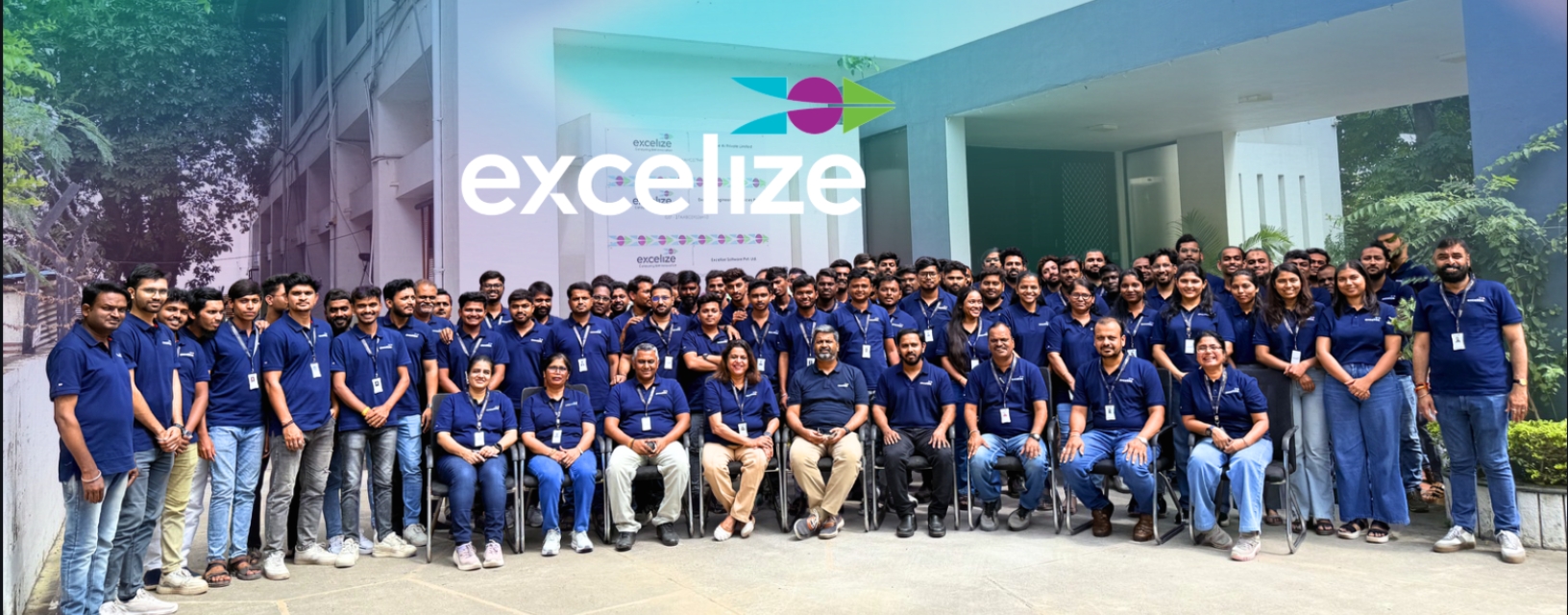
Many GCs have the platform and the BEP but not enough VDC hours to run the weekly loop properly. That’s where Excelize fits. We work as your extended BIM coordination team, inside your environment and to your rules:
- Inside your CDE: We work in your Autodesk Forma (formerly ACC) hub, your BIM 360 projects, or your own platform, to your BEP, templates, and LOD.
- On your schedule: Our coordinators work U.S. hours out of our New Jersey and California offices, and join your OAC and trade calls with a named point of contact.
- Coordinated to a clear standard: We federate architectural, structural, and MEPF models, run clash detection to resolution in Navisworks, and coordinate typically at LOD 350.
- Reports your tools can read: Clash reports are issued in BCF, so they can be imported into Forma Data Management issues or your BCF-based coordination tools.
- Fast to start: A coordinator or pod can join your project within two days, not the weeks an in-house hire takes to ramp up.
- QA/QC’d before it reaches you: Every deliverable runs through a documented checklist and automated checks, and every engagement includes a client QA round with senior engineer sign-off before final handover.
- Secure by default: We work inside your CDE under NDA. Every model, family, and template we build is delivered to you.
See how this works day to day on our page for BIM coordination services for U.S. general contractors, or explore our BIM coordination and clash detection services.
Frequently asked questions
Is BIM 360 being discontinued?
The BIM 360 platform isn’t being retired. Autodesk says there are currently no plans to retire it, but it will no longer get improvements or new features. Some older BIM 360 classic tools are reaching end of life, and BIM 360 Glue was retired on July 31, 2026.
Is Autodesk Construction Cloud the same as Autodesk Forma?
Yes. Autodesk Construction Cloud was rebranded as Autodesk Forma in March 2026. Autodesk Docs is now Forma Data Management, Autodesk Build is now Forma Build, and BIM Collaborate Pro is now Forma Design Collaboration. Projects, data, logins, and integrations stayed the same.
Do I need to migrate my BIM 360 projects to Autodesk Forma?
Not immediately. Most GCs finish active BIM 360 projects where they are and start new projects on Autodesk Forma. Autodesk says there’s no automatic way to transfer data between projects, so plan which files and records to keep before you move anything.
What is a common data environment in construction?
A common data environment, or CDE, is the single, controlled place where project information is created, shared, approved, and archived. On U.S. projects it’s often Autodesk Forma or BIM 360, run by rules set in the BIM execution plan.
Can an outside BIM team work inside our Autodesk Forma hub?
Yes. An extended BIM team can be added to your hub with folder-level permissions you control. Excelize works inside client CDEs under NDA, to your BEP, and delivers every model and file back to you.