Excelize
Company
Story
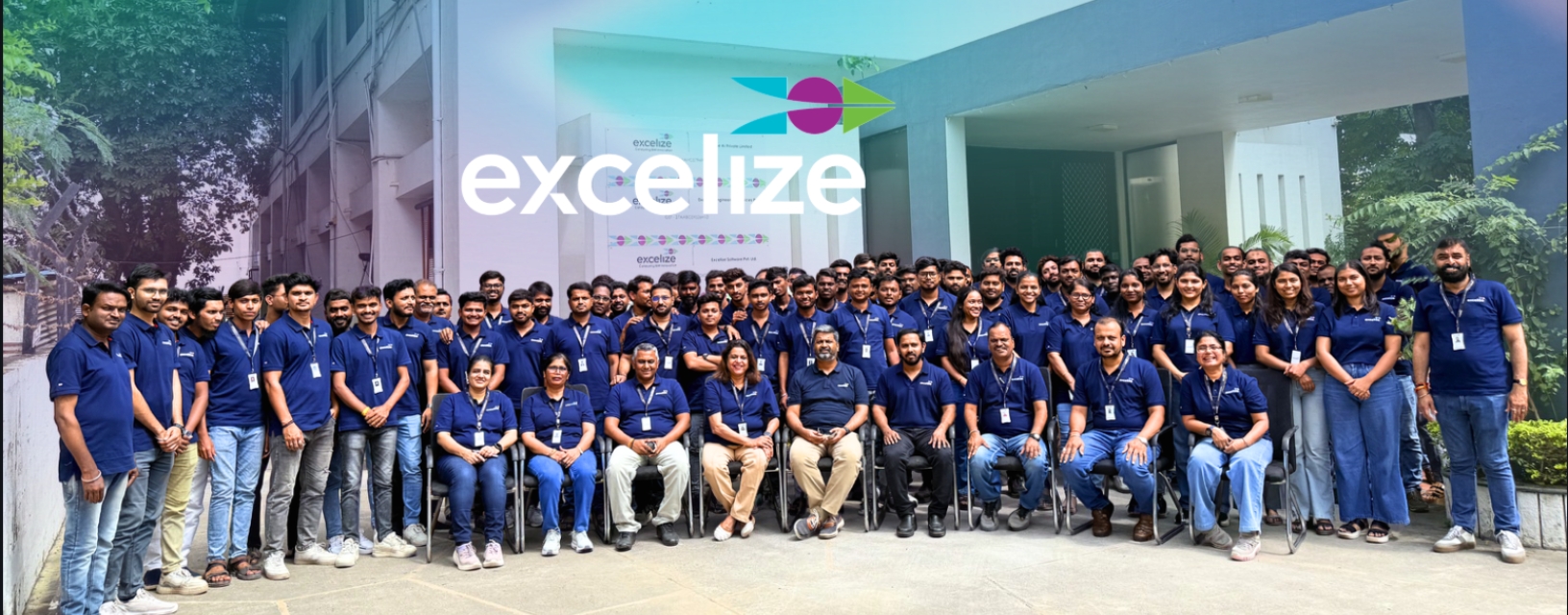
Excelize team

Get to know how, since 2004, Excelize grew into the BIM partner U.S. AEC firms trust — 300+ clients served and 2,500+ projects delivered end to end.

Learn More
Book a Consultation
How We Work / Our Process

How Excelize's BIM Process Works: From Kickoff to Handover

A model is only as good as the process that built it. Here's every step that keeps a coordination error from reaching your job site.

A coordination process is only worth trusting if it holds up the same way on every project, not just the ones that go smoothly. From kickoff through handover, Excelize runs the same disciplined process on every engagement, for GCs and MEPF firms coordinating work from Texas to New Jersey to California, whether the project is a hospital MEPF model or a datacenter fabrication package.

ISO 19650Aligned workflows
22+ YearsSince 2004
2,500+BIM projects delivered
NJ & CANew Jersey & California, USA
See the full process
Same process, every engagement Book a Discovery Session
Before Modeling Starts

Two things get defined, not assumed

A BIM Execution Plan and a Common Data Environment, set before the first model file is touched.

BIM Execution Plan (BEP)

Sets the rules before the geometry starts

  • Standards, LOD, and responsibilities

    Sets project standards, LOD targets by stage, naming conventions, and responsibilities across the team.

  • Scoped to what you actually need

    Addresses the Employer's Information Requirements when a project calls for them, so what gets delivered is scoped against what the client actually needs to receive, not a generic default.

Common Data Environment (CDE)

One environment for models, drawings, and data

  • A single environment for everything

    Models, drawings, and data live in one environment, set up before production begins.

  • Version control & access from day one

    File access and version control are established before the first deliverable, not worked out midstream.

Both are agreed with the client before the first model file is touched.

The Coordination Model

Federated models, built to the LOD your project stage requires

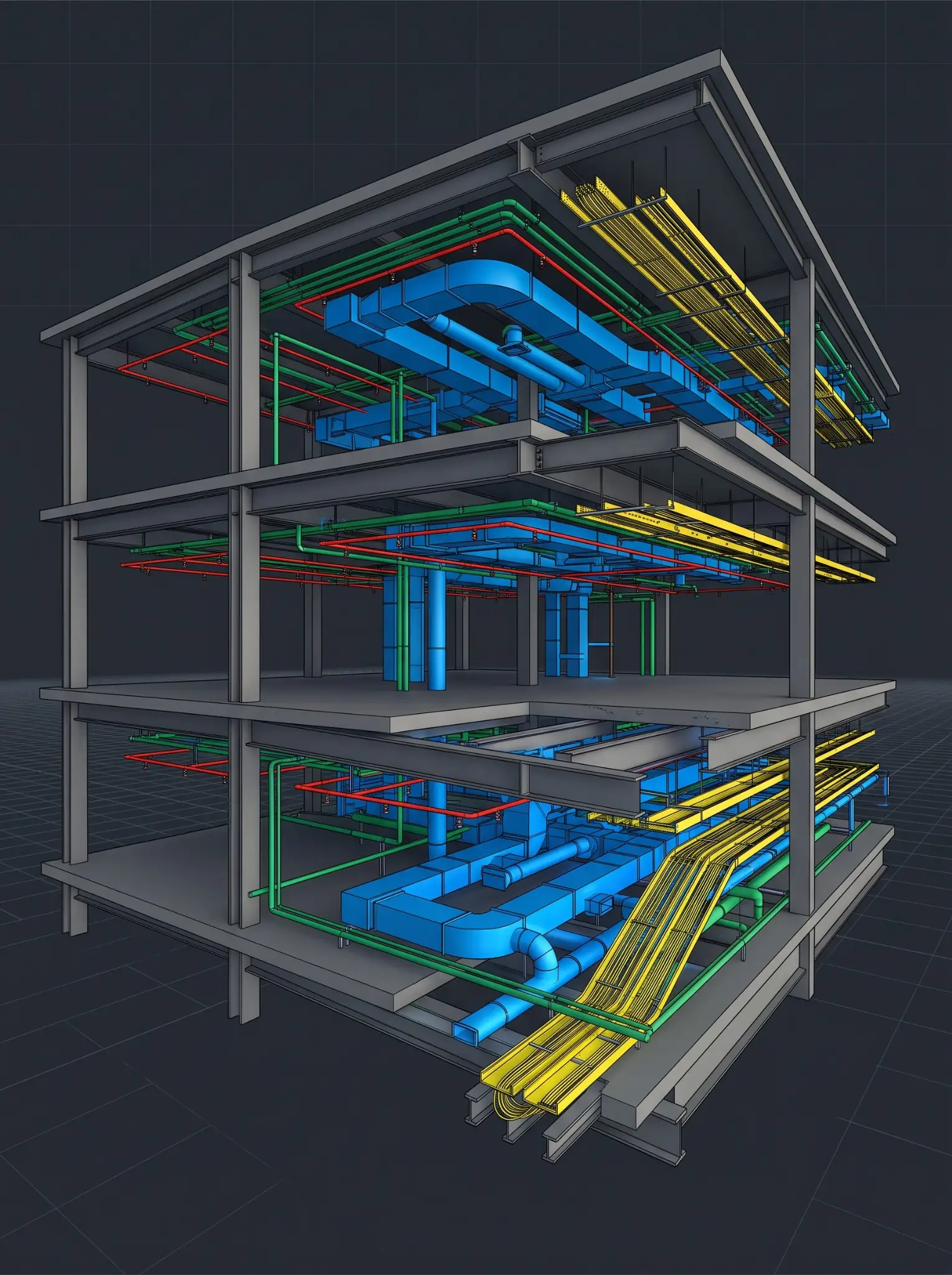
Federated models are built to the LOD required for the project stage — LOD 200 through Design Development in most cases, LOD 350 for construction document extraction, and LOD 400 where fabrication-ready output is needed. Software choice is matched to the deliverable.

Revit / Tekla — modeling Navisworks / BIMcollab — coordination ACC / BIM 360 — CDE Dynamo — automation IFC — open BIM interoperability

Clash detection runs against the federated model in three categories

Hard Clash

Physical overlaps between systems

Two or more systems occupy the same physical space in the model — the clearest and most direct conflict to catch.

Soft Clash

Clearance and access violations

Clearance violations, maintenance access, or code-required standoff distances that don't physically overlap but still block the space from functioning as designed.

4D Clash

Sequencing conflicts in time

The coordination is correct in the model, but the construction sequence creates a conflict in time rather than space.

All three get resolved before a coordination set moves to the client, not left for the field to catch.

Quality Control

No deliverable moves forward on the modeler's judgment alone

Discipline-lead sign-off happens at each checkpoint. The person approving the coordination isn't the person who built the geometry.

Checkpoint frequency scales to project complexity. A commercial project runs one federated review per phase. A healthcare or datacenter project adds checkpoints specific to that vertical's risk — clinical planning review, cooling assumption review, and template sign-off gates for repeatable-unit work.

Nothing reaches the client without passing its checkpoint.

Staying In Sync

Coordination doesn't happen in silence between deliverables

Three things stay visible across every engagement, so progress is never a surprise at milestone delivery.

Scheduled review cycles

Agreed at kickoff as part of the BEP, so progress is visible on a predictable cadence rather than only at milestone delivery.

Defined escalation path

For anything that needs a decision outside the standing review, so a blocking issue doesn't sit until the next scheduled call.

Status visibility inside your existing workflow

Coordination status reported into the tools your team already uses.

Handover & Closeout

Handover documentation matches what was actually built

Excelize has run this process across more than 2,500 BIM projects since 2004 — 22-plus years — for U.S. general contractors, architecture firms, MEPF engineering firms, and trade subcontractors and fabricators across Texas, Florida, New York, New Jersey, California, and Pennsylvania.

As-built model updates

Reflecting what was actually built, not just what was originally coordinated.

Documentation scoped to the engagement

Defined in the BEP at kickoff, so closeout deliverables match what was agreed.

Digital twin handover

Where the project calls for it — most commonly on datacenter and healthcare engagements — for facility management use after occupancy.


Process Credentials for Your Qualification Process

MethodologyBIM and coordination workflows aligned with ISO 19650 information management principles, applied through a defined BEP and CDE on every engagement — a working methodology, not a certification.
Track Record2,500+ BIM projects delivered since 2004 — 22-plus years.
U.S. PresenceOffices in New Jersey and California; project experience concentrated in TX, FL, NY, NJ, CA, PA.
DocumentationInsurance certificates, MSA terms, and process references available on request.
FAQs

How Excelize's process works: frequently asked questions

For questions on engagement models or getting started with a sample project, see our Engagement Models page →

Still have questions? Book a Discovery Session
Revit or Tekla for modeling, Navisworks or BIMcollab for coordination, ACC or BIM 360 for the Common Data Environment, Dynamo for automation where it reduces manual rework, and IFC for open BIM interoperability across disciplines and platforms.
A hard clash is a physical overlap between systems. A soft clash is a clearance violation, maintenance access, or code-required standoff that doesn't physically overlap but still blocks the space from working as designed. A 4D clash is a sequencing conflict — the coordination is correct in the model, but the construction sequence creates a conflict in time.
It goes through the same checkpoint structure as any other clash — documented, resolved, and re-reviewed by the discipline lead before the corrected coordination is redelivered.
LOD targets are set stage by stage in the BIM Execution Plan at kickoff, based on what the deliverable actually needs to support — design coordination, construction documentation, or fabrication.
The Common Data Environment is set up before production begins, with access and version control defined at kickoff. Specific data handling terms are available during onboarding.
The same BEP-and-CDE foundation applies regardless of engagement size. Checkpoint frequency and team size scale to project complexity, not a fixed process applied the same way to every scope.

See this process applied to your building type.

Whether the project is in Texas, Florida, New York, New Jersey, California, or Pennsylvania, the steps stay the same. What changes is depth, by vertical and by project complexity.

  • BEP + CDE on every project
  • Discipline-lead QA/QC
  • 22+ years, 2,500+ projects