





For general contractors and owners weighing whether remote, cloud-connected BIM and VDC capacity can genuinely offset today’s labor and schedule pressure.
Key Takeaway: The constraint on US construction schedules in 2026 isn’t demand, it’s people. More than four out of five firms report difficulty hiring, and hundreds of thousands of net new workers are needed just to keep pace. Remote-capable work, BIM modeling, coordination, clash detection, quantity takeoff, doesn’t require an on-site presence, and cloud-based collaboration tools now make that work verifiably faster to coordinate than the file-based workflows most firms still run.
The US Construction Labor Reality in 2026
The constraint isn’t unique to one region or one trade. According to the Associated General Contractors of America’s 2026 Construction Hiring and Business Outlook and its companion workforce survey data:
- 82% of firms report difficulty finding hourly craft workers, and 80% report difficulty filling salaried positions, the highest proportions AGC has recorded in the past three years.
- 57% of firms cite an insufficient supply of workers or subcontractors as a top concern for the year ahead, alongside rising direct labor costs and worker quality.
- Associated Builders and Contractors estimates the industry needs roughly 349,000 net new workers in 2026 to keep up with demand, with the shortfall projected to grow further in 2027.
- 61% of firms report using or planning to increase investment in AI, up from 44% the year prior, a signal that contractors are actively looking for ways to do more without proportionally more headcount.
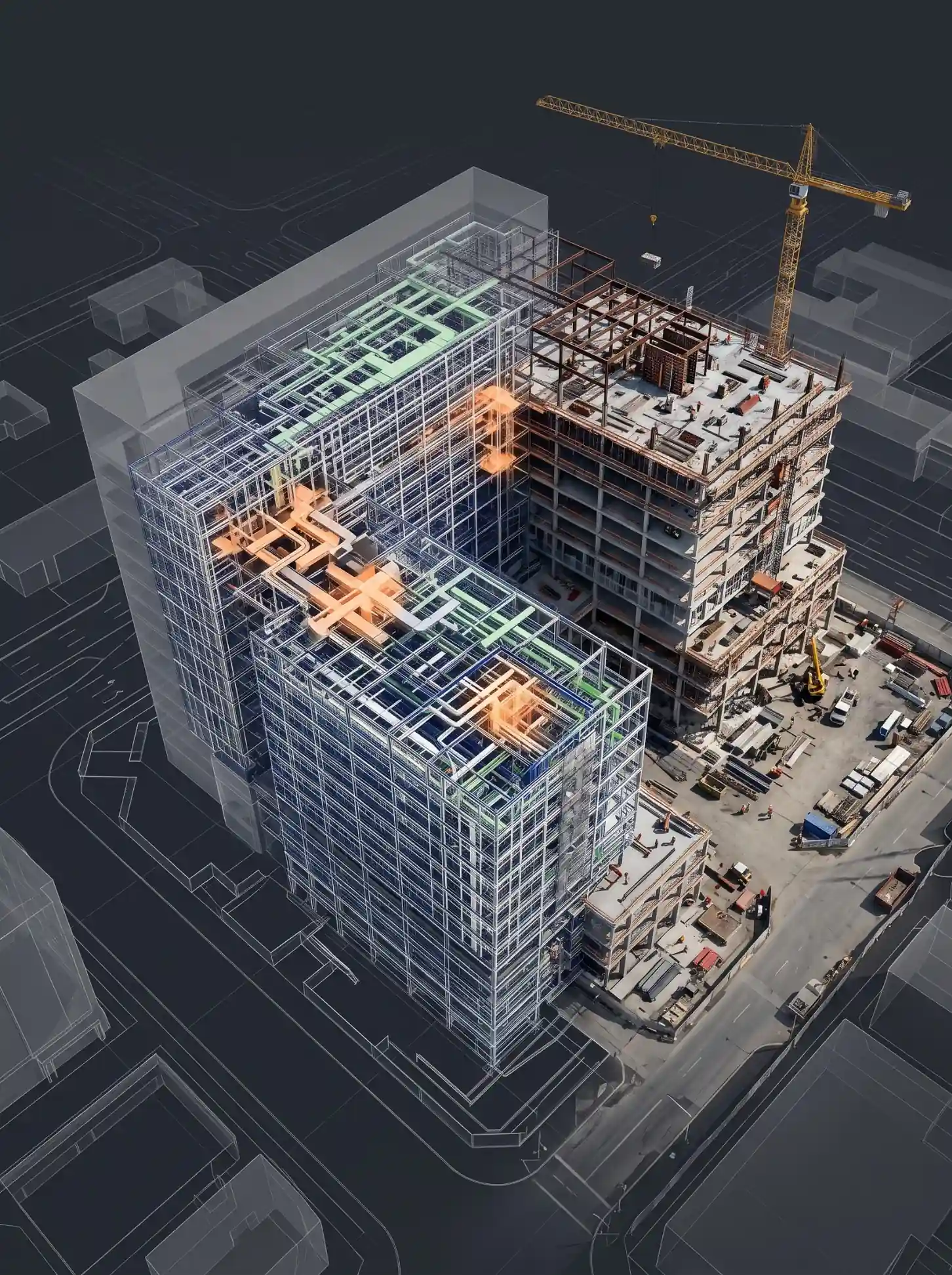
None of that shortage is evenly distributed across job functions. Field trades, electricians, plumbers, HVAC technicians, genuinely have to be on site. A meaningful share of the work that keeps a project moving, BIM modeling, design coordination, clash detection, quantity takeoff, scheduling support, does not.
The shortage also isn’t evenly distributed by firm size. Small and mid-sized US general contractors and architecture firms compete for the same limited pool of experienced BIM modelers and VDC coordinators as the largest national firms, without the same recruiting budget or brand recognition to win that competition. A firm that can’t hire a senior Revit modeler locally has historically had two options: leave the position open and accept slower coordination, or pay a premium to poach one from a competitor. Remote-capable, cloud-connected BIM capacity offers a third option that didn’t practically exist a decade ago: access experienced modeling and coordination talent without it needing to live within commuting distance of the firm’s office.
What Remote Teams Can (and Can’t) Do on a Construction Project
Not every function on a project is remote-capable, and pretending otherwise sets teams up to fail. A clear-eyed breakdown looks like this:
| Function | Remote-Capable? | Why |
|---|---|---|
| BIM modeling (architectural, structural, MEP) | Yes | Modeling happens inside Revit against shared data, not on the physical site |
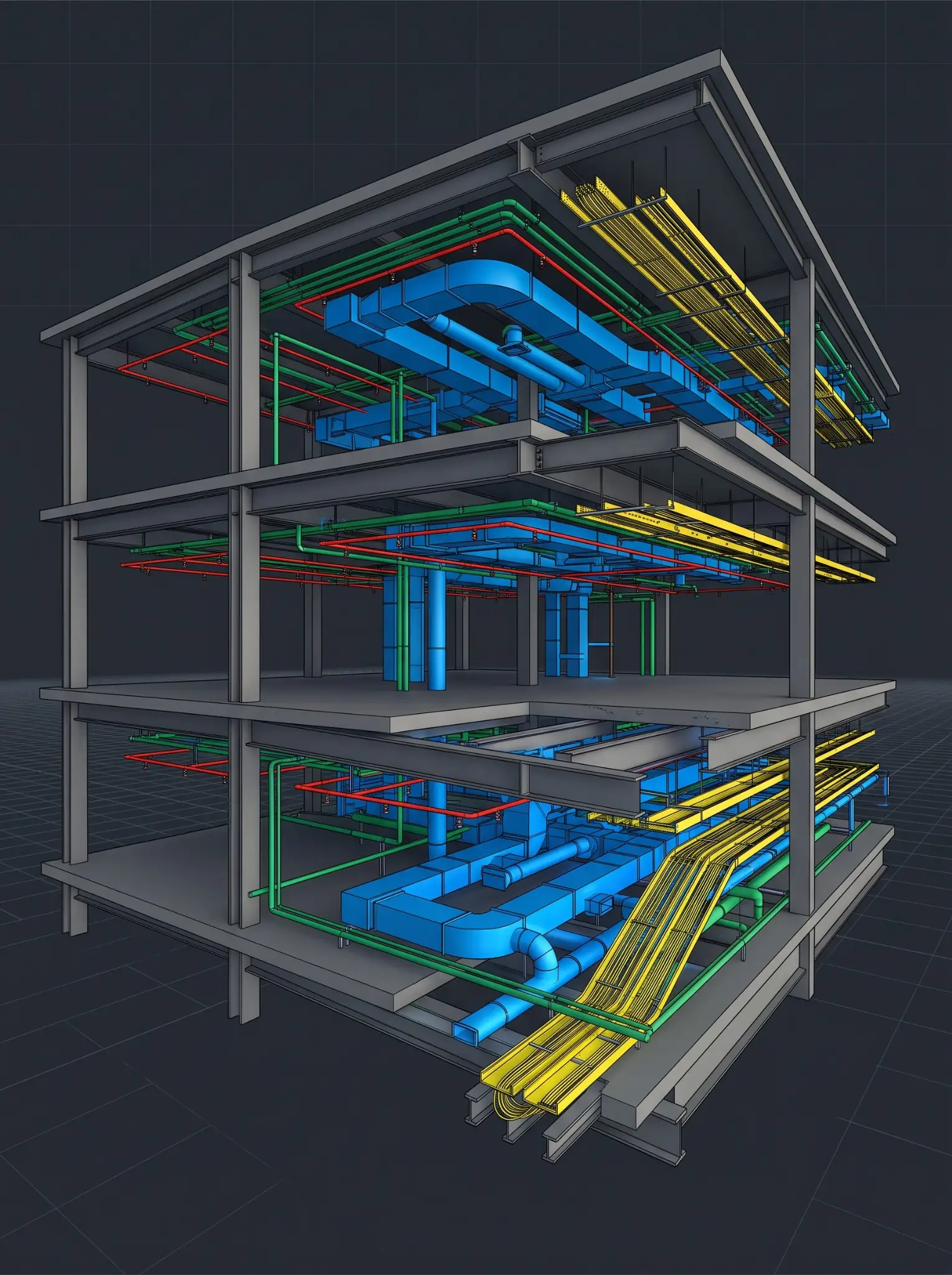
| Clash detection and coordination | Yes | Runs against the federated model in Navisworks or a cloud CDE, regardless of where reviewers sit |
| Quantity takeoff and 5D cost estimation | Yes | Extracted directly from model data; no site presence required |
| Construction documentation and shop drawings | Yes | Produced from the coordinated model, reviewed and revised digitally |
| 4D scheduling and sequencing support | Yes | Built against the model and project schedule data |
| Site inspection, safety oversight, physical installation | No | Requires a physical presence; no digital substitute exists |
| Field verification of as-built conditions | Partially | Capture (scanning, photo documentation) still needs someone on site; the modeling that follows does not |
| Client walkthroughs and stakeholder buy-in | Partially | Can be substantially reduced through photo-documentation and virtual walkthrough tools, but doesn’t fully replace in-person site visits |
The realistic opportunity isn’t replacing field labor, it’s freeing up a firm’s most schedule-critical bottleneck, design coordination and documentation, from depending on local hiring at all.
See what remote-capable work looks like on your project. Request a free sample BIM deliverable from Excelize’s team to see the workflow firsthand.
Get a Free Sample→What Coordination Failures Actually Cost
Before adding remote capacity to a workflow, it’s worth being precise about what a broken coordination process already costs. A 2026 peer-reviewed study in the journal Buildings, examining cloud-based BIM collaboration tools across three large infrastructure projects, cites prior research finding that design coordination meetings run $8,000 to $23,000 per session in project team time, and that individual design errors caught late in the process can exceed $26,000 each. Those figures aren’t about labor shortage directly, they’re about what happens when coordination itself is inefficient, which is exactly the workflow remote, cloud-connected BIM teams are positioned to fix.
How Cloud-Based BIM Collaboration Changes the Math
The same 2026 study offers a concrete before-and-after picture worth paying attention to, not because the numbers are marketing claims, but because they came out of ethnographic observation of a real project team switching from a file-based workflow to a cloud-based one. After adopting a cloud-based BIM collaboration tool for design coordination, the research team documented:
- The number of separate tools required for issue resolution dropped from three to one. Teams previously moved between a clash-detection tool, a spreadsheet tracker, and separate meeting notes; a cloud platform consolidated all three.
- Every inter-tool transition during coordination meetings was eliminated. Participants no longer had to switch context between applications mid-discussion to locate an issue.
- Three manually prepared post-meeting artifacts were replaced by automated reporting. Documentation that previously required a coordinator to compile screenshots and notes by hand was generated directly from the platform.
The same study is candid about the limits: tool adoption alone doesn’t guarantee these gains. Contracts that don’t name the collaboration platform, teams that aren’t onboarded before the first meeting, and unclear issue-prioritization rules all blunted the benefit in the projects studied. The technology creates the opportunity; the process around it determines whether a firm actually captures it.
Map your coordination gaps. Book a Discovery Session with Excelize’s team to see where a cloud-connected extended BIM workflow would help most on your next project.
Book a Discovery Session→Building a Remote-Capable BIM Workflow: The Technology Stack
A workflow that genuinely supports remote-capable BIM work, rather than just claiming to, tends to include:
- A cloud-based common data environment (CDE). Autodesk Construction Cloud has become the standard platform for this; Autodesk is directing new development there as it winds down parallel investment in the older BIM 360 platform, so firms standardizing a workflow in 2026 should plan around ACC rather than BIM 360.
- Model authoring in Revit, with disciplined worksharing and version control so remote and on-site team members are working from the same live model rather than reconciling separate files.
- Coordination and clash detection in Navisworks or an equivalent cloud-native coordination tool, with issues tracked in the same platform team members use for model review, not a disconnected spreadsheet.
- Photo-documentation and virtual site-walkthrough tools that let a remote reviewer see current site conditions without a flight, reducing how often an in-person visit is strictly necessary.
- Drone and mobile scanning capture for existing-conditions and progress documentation, feeding directly into the same coordinated model remote team members work from.
- IoT-based safety monitoring on site, giving remote project managers real, current data on field conditions rather than relying entirely on phone updates.
Two operating models tend to work for firms building this out. Some build fully in-house remote capacity, hiring modelers and coordinators who work from home offices around the country. Others pair a smaller in-house team with an extended team, a partner firm’s modelers and coordinators working as a seamless extension of the internal team, embedded in the same cloud workflow and coordination meetings rather than handed a spec and left alone.
The second model tends to scale faster, since it doesn’t require building an entire internal recruiting and management function around remote hiring from scratch, but it only works if the extended team is genuinely integrated into the project’s coordination process, named in the BIM execution plan, given direct platform access, and held to the same documentation standards as internal staff, rather than treated as a disconnected subcontractor working from a separate set of instructions.
What US Firms Should Change About How They Adopt These Tools
Based on what actually determined success or failure in the research above, and consistent with what separates firms that get real value from remote BIM capacity from those that don’t:
- Name the platform in the contract and BIM execution plan. Tool adoption that isn’t specified contractually tends to get treated as optional by parts of the team, which undercuts the whole workflow.
- Onboard every participant before the first coordination meeting, not after. Team members who can’t independently navigate the shared model become dependent on whoever can, which defeats the purpose of distributing the work.
- Give every coordination participant direct platform access. Restricting access to a single gatekeeper forces screen-sharing workarounds that erase most of the efficiency gain.
- Agree on issue-prioritization rules before deployment, not during the first meeting. Undefined severity categories create confusion that a tool alone can’t resolve.
- Treat remote BIM capacity as an extension of the team, not a replacement for site labor. The strongest results come from pairing an extended, cloud-connected modeling and coordination team with the field trades that have to be physically present, not from trying to substitute one for the other.
Conclusion
The labor shortage shaping US construction in 2026 isn’t going to resolve itself through hiring alone, and the functions most affected, BIM modeling, coordination, documentation, quantity takeoff, are exactly the ones that don’t require a local hire or a site badge. What separates firms that capture real acceleration from this shift is the same thing the research shows again and again: a cloud-connected workflow, contractually specified, with every participant onboarded and given direct access, not just a tool added on top of an unchanged process. The firms that treat remote and extended BIM capacity as a genuine extension of their team, integrated into the same coordination process rather than bolted on separately, are the ones actually converting the labor shortage into a competitive advantage instead of just a persistent headache. Excelize has supported US general contractors, architecture firms, and MEPF engineering firms with cloud-connected, extended BIM teams since 2004, across more than 2,500 projects for over 300 clients.
Add remote BIM capacity to your next project. Send your project details to Excelize’s extended BIM team for a quote on modeling, coordination, or documentation support.
Request a Quote→FAQ
Can BIM modeling really be done entirely remotely?
Yes. BIM modeling, coordination, clash detection, and quantity takeoff all happen against shared digital model data, not on the physical site, so none of them require the modeler to be local to the project. Functions like installation, site inspection, and safety oversight still require an on-site presence.
How severe is the US construction labor shortage in 2026?
According to AGC’s 2026 Construction Hiring and Business Outlook, 82% of firms report difficulty finding hourly craft workers and 80% report difficulty filling salaried roles, the highest levels recorded in the past three years. Associated Builders and Contractors estimates the industry needs roughly 349,000 net new workers in 2026 alone.
Does switching to cloud-based BIM collaboration actually save time, or is that just marketing?
A 2026 peer-reviewed study tracked a real project team’s transition to a cloud-based BIM collaboration tool and documented concrete workflow reductions: the number of tools needed for issue resolution dropped from three to one, and manually prepared post-meeting documentation was replaced by automated reporting. The same study found the benefit depends heavily on contractual and onboarding practices, not the software alone.
What’s the difference between BIM 360 and Autodesk Construction Cloud?
BIM 360 is still supported, but Autodesk has moved new feature development to Autodesk Construction Cloud (ACC), which extends beyond design coordination to cover the full building lifecycle. Firms setting up a new remote-capable workflow in 2026 should generally standardize on ACC.
What’s the biggest reason remote BIM teams don’t deliver the expected time savings?
Research and practical experience point to the same culprits: the collaboration platform isn’t named in the contract, team members aren’t onboarded before coordination starts, access is restricted to a single gatekeeper, and issue-prioritization rules are never agreed on. The technology creates the opportunity; unclear process is what erases it.
Excelize is a BIM services partner supporting US general contractors, architecture firms, and MEPF engineering firms with cloud-connected, extended BIM modeling, coordination, and documentation teams.