

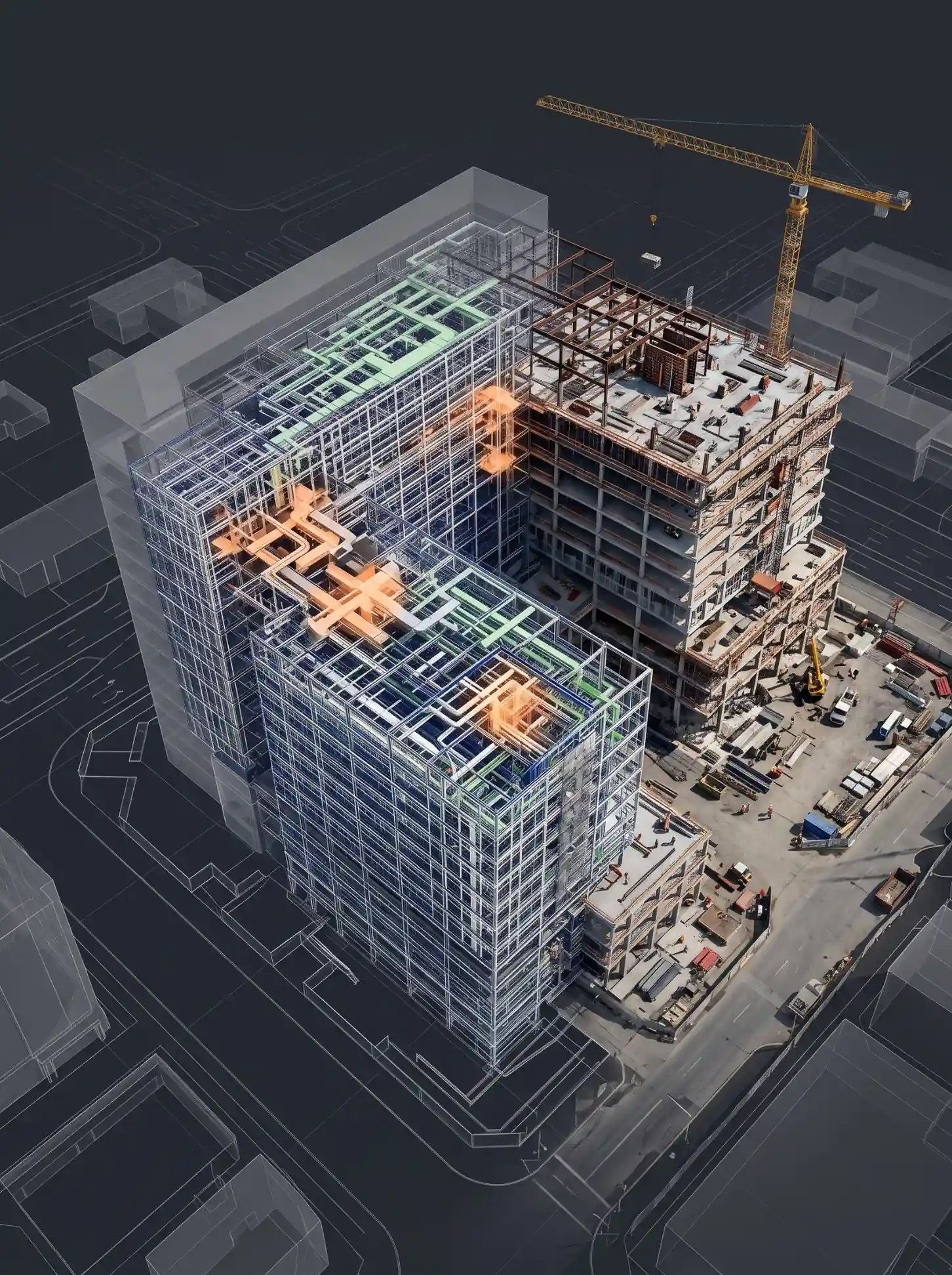
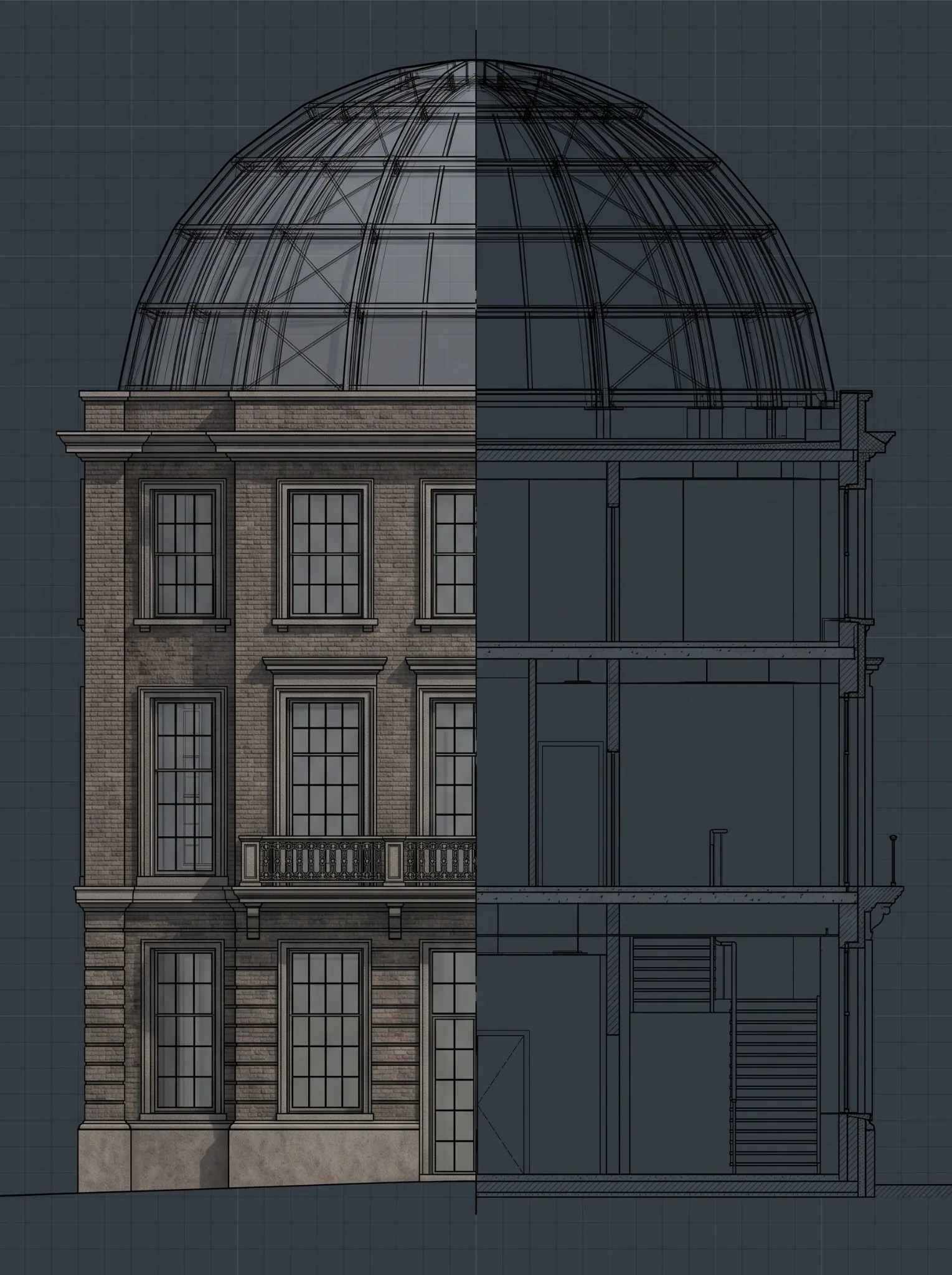
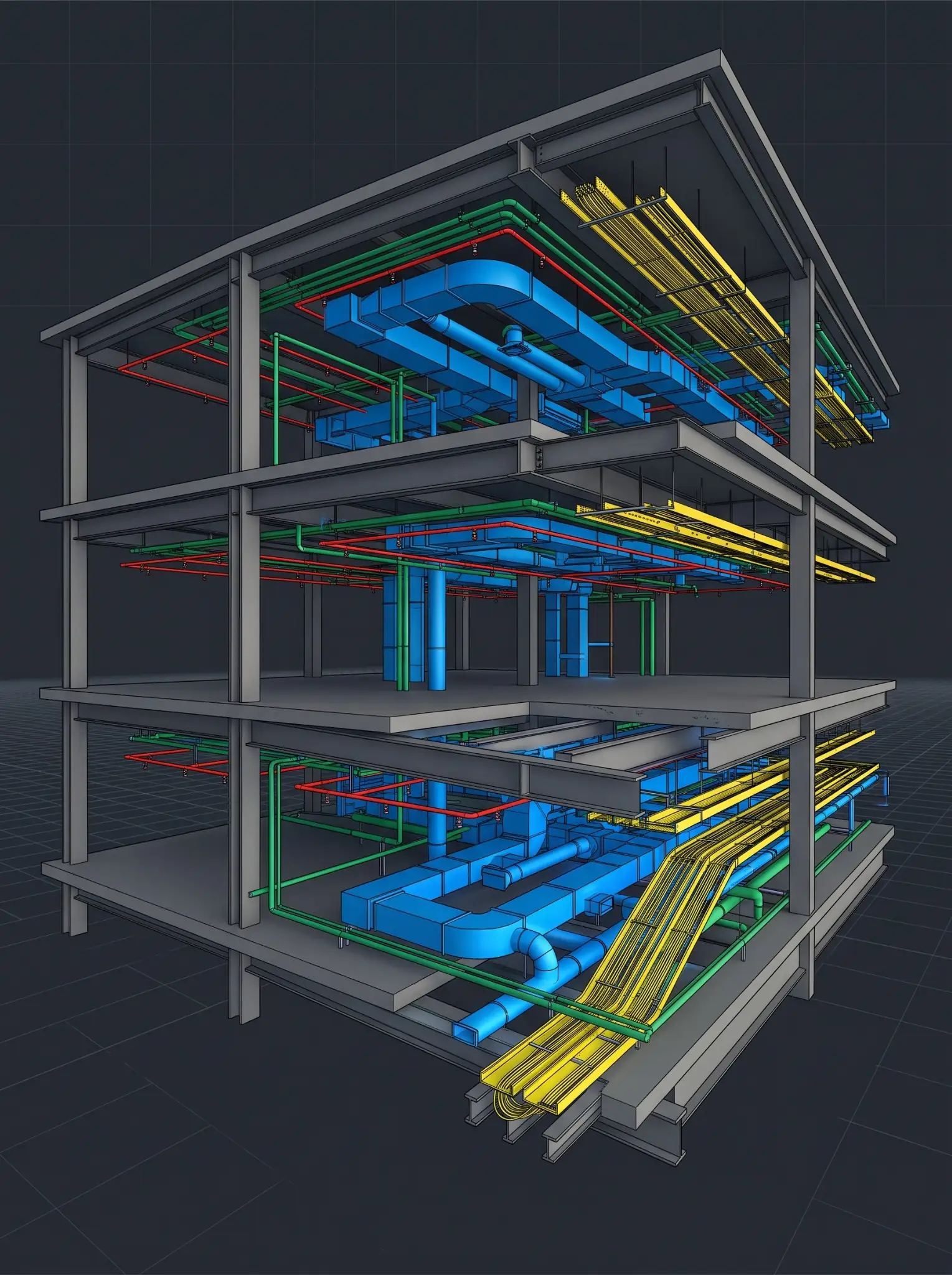
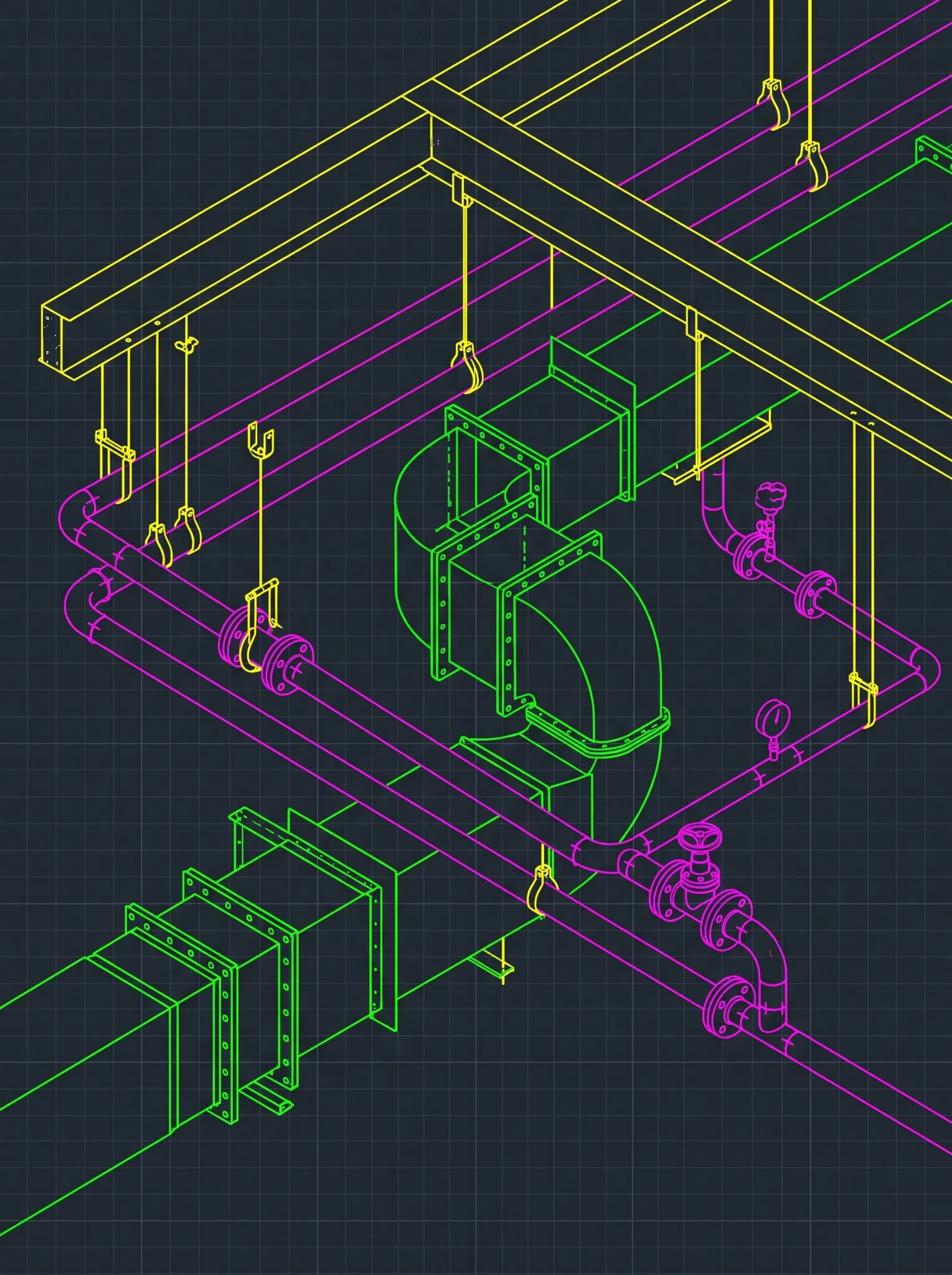






In its landmark study of U.S. capital facilities, the National Institute of Standards and Technology estimated that poor information interoperability cost the industry $15.8 billion in a single year, and that about $9 billion of it was incurred during operations and maintenance. The estimate is for 2002, but the problem it describes is still the reason most BIM to digital twin projects stall: the data that operations teams need was never captured in a form they can use.
Most articles about digital twins start with sensors, dashboards, and AI. This one starts with a single piece of equipment. We’ll follow one air handling unit, AHU-03 on a three-story medical office building, from the design model to the day a technician gets a work order for it. At each step, you’ll see what data gets added, who owns it, and where the chain usually breaks. It’s the clearest way to see how a BIM digital twin is actually built.
The example is illustrative, but every step reflects how U.S. projects actually hand over, and fail to hand over, building data.
Step 1: AHU-03 is born in the design model
What gets added: Geometry, location, a unique tag (AHU-03), the system it serves, the space it sits in, and a type that groups it with identical units.
Who owns it: The mechanical engineer’s modeler, under the project’s BIM execution plan.
Where it breaks: Tags that don’t match the drawings, equipment modeled as generic placeholders, or no classification at all. If the tag in the model doesn’t match the tag on the equipment schedule, every later step inherits the mismatch.
What a twin-ready project does instead: The owner’s naming convention and required attributes are written into the BEP before design starts, so AHU-03 is called AHU-03 everywhere, from the model to the nameplate to the work order.
Step 2: The submittal turns “an air handler” into a real product
What gets added: Manufacturer, model number, capacity, and the approved submittal documents.
Who owns it: The mechanical contractor submits; the engineer of record reviews it.
Where it breaks: The approved product lives in a PDF in the submittal log, and nobody updates the model. The model still says “AHU, 10,000 cfm, generic,” while the building gets a specific unit with its own parts and service schedule.
What a twin-ready project does instead: A data responsibility matrix says who enters manufacturer and model data, and when. Approved submittal data flows into the model, or into a structured handover file, as part of closing each submittal.
Step 3: Installation and commissioning add the facts only the field knows
What gets added: Serial number, installation date, warranty start date, as-built location, and commissioning results.
Who owns it: The installing contractor and the commissioning agent.
Where it breaks: This data is collected on paper or in a separate commissioning tool, then lost at closeout. Warranty start dates are the classic gap: nobody can say when the clock started.
What a twin-ready project does instead: Field data is captured progressively, checked against the model at each milestone, and reconciled with what was actually installed before handover.
Step 4: Handover packages AHU-03 for operations
What gets added: A structured record of the unit, linked to its type, space, system, spare parts, maintenance jobs, and documents such as the O&M manual and warranty.
Who owns it: The general contractor assembles it; the owner accepts it.
This is where COBie comes in. The Construction Operations Building information exchange is the handover schema that many U.S. public and institutional owners require. In the National BIM Standard-United States, COBie Version 3 is described as “a common schema for documenting information regarding a built asset to support the operations and maintenance of the asset.” It’s built on the IFC data standard (ISO 16739) and supersedes COBie 2.4.
In the familiar COBie spreadsheet, AHU-03 shows up across several linked worksheets:
| COBie worksheet | What it holds for AHU-03 |
| Type | The air handler type: manufacturer, model number, warranty terms, and expected life |
| Component | AHU-03 itself: tag, serial number, installation date, and warranty start |
| Space | The mechanical room it sits in |
| System | The HVAC system it serves |
| Spare | Filters and belts, with part numbers |
| Job | Preventive maintenance tasks and their frequency |
| Document | The O&M manual, warranty, and approved submittal |
Where it breaks: COBie gets treated as a closeout scramble. Someone populates the spreadsheet in the last month from incomplete records, and the owner receives a file that’s technically delivered but practically unusable.
CTA: Starting a project where the owner expects COBie or FM-ready handover data? Send us your owner’s requirements and a sample of the model, and we’ll show you which asset data is missing and when it should be captured.
Button: Check Your Model’s COBie Readiness
Step 5: AHU-03 enters the digital twin
What gets added: Live operational data. The twin links AHU-03’s record to the building automation system’s points, such as supply air temperature, fan status, and alarms, and sometimes to added sensors.
Who owns it: The owner’s facilities team, usually with a twin platform provider or systems integrator.
This is the step most people mean when they say “digital twin,” and it’s the step that depends most on everything before it. A twin can only connect live data to AHU-03 if it knows exactly which object in the model is AHU-03.
The three platforms U.S. owners ask about most when they plan a digital twin for buildings take different approaches:
| Platform | What it is | Where it tends to fit |
| Autodesk Tandem | Autodesk describes it as “a digital twin platform that transforms BIM data into an intelligent, interactive replica of a physical facility,” with IoT and BMS data connected for visualization | Building owners whose design and construction data already lives in Revit and Autodesk tools; there’s a free tier and capacity-based pricing |
| Bentley iTwin Platform | “An open, scalable cloud platform that provides APIs and services to help developers create digital twin applications” | Infrastructure and large asset portfolios, often built out by developers or integrators |
| Azure Digital Twins | Microsoft’s platform-as-a-service for “twin graphs based on digital models of entire environments,” with models written in the Digital Twins Definition Language (DTDL) | Organizations building custom twins on Microsoft’s cloud, usually with an in-house or partner development team |
Where it breaks: The twin is built from a model that doesn’t match the building, or from handover data with missing tags. The result looks impressive in a demo and can’t answer the first real question an operator asks.
Step 6: A work order lands on a technician’s phone
What gets added: Maintenance history. When AHU-03’s fan alarm trips, the operator can see the unit in the twin, open its O&M manual, check its warranty, and raise a work order in the CMMS with the right part numbers.
Who owns it: The facilities team, for the life of the building.
Where it breaks: The CMMS and the twin were set up separately, with different equipment IDs. AHU-03 in one system is “AHU-3” in the other, and the link quietly fails.
This is the payoff the whole chain exists for. Every minute the technician doesn’t spend hunting for a manual or guessing at a filter size comes from data that was captured correctly years earlier, in steps 1 to 4.
The twin-ready data spec for one asset
Here’s the minimum record AHU-03 needs to be useful in a twin and a CMMS, with who supplies each field and when:
| Field | Example | Supplied by | Captured during |
| Asset tag | AHU-03 | Design team, per the owner’s naming standard | Design |
| Type and classification | Air handling unit, with the agreed classification code | Design team | Design |
| Space and system | Mechanical room 104; HVAC system 1 | Design team | Design |
| Manufacturer and model | From the approved submittal | Contractor | Submittals |
| Serial number | From the nameplate | Contractor | Installation |
| Installation and warranty start dates | From installation and commissioning records | Contractor and commissioning agent | Commissioning |
| Spare parts and maintenance jobs | From the O&M manual | Contractor | Closeout |
| Linked documents | O&M manual, warranty, submittal | Contractor | Closeout |
| BMS point references | Supply air temperature, fan status, alarms | Controls contractor or integrator | Commissioning |
If a project can produce that record for every maintainable asset, it has the foundation for a digital twin, whichever platform the owner chooses later.
Is your project twin-ready? A 10-question check
Answer yes or no. Every “no” is a gap that’s cheaper to close now than after handover.
- Has the owner defined which assets must be tracked and which fields each one needs?
- Is the owner’s asset naming standard written into the BEP?
- Does every maintainable asset in the model carry a unique tag that matches the drawings?
- Is there a responsibility matrix for who enters which data, and when?
- Does approved submittal data get added to the model or handover file as submittals close?
- Are serial numbers and installation dates captured in the field, not reconstructed at closeout?
- Is warranty start date defined and recorded for each asset?
- Is the handover data validated against the COBie schema, or the owner’s own format, before delivery?
- Will the asset IDs in the model, the CMMS, and the BMS match?
- Has the facilities team seen the handover structure before closeout?
Where Excelize fits in the BIM to digital twin chain
Our work sits in the part of the chain that decides whether a digital twin works at all: the model and the asset data behind it. The twin platform, sensors, and controls integration are usually handled by your platform provider and controls contractor. We make sure the data they depend on is captured, structured, and correct.
- FM requirements from day one: We run workshops with your operations stakeholders early in the project and write facility management guidelines directly into the BIM execution plan, so the BIM to facility management handover is planned from the start, not rebuilt at closeout.
- A COBie data plan: A defined data drop schedule and responsibility matrix, set at kickoff, so asset data isn’t left to a closeout scramble.
- Progressive data population: Equipment attributes such as manufacturer, model number, install date, and warranty term are entered into the model as it’s built, mapped to your owner’s COBie requirements.
- Validation and as-built reconciliation: Asset data is checked against the COBie schema before handover and reconciled against what was actually installed.
- CMMS and CAFM alignment: Field naming and format are structured to align with common CMMS and CAFM import requirements.
- A walkthrough, not just a file: We walk your facilities team through the handover data structure, so it’s understood at handover rather than reverse-engineered later.
Explore our Asset Information Modelling and COBie services, our BIM and facility management integration strategy, and our digital integration services. For buildings with no reliable as-built record, our scan to BIM services can create the starting model.
Frequently Asked Questions
What is the difference between BIM and a digital twin?
A BIM model describes a building as designed and built. A digital twin connects that model to live operational data, such as building automation points and sensors, so it reflects how the building is performing now. A twin is only as reliable as the model and asset data it’s built on.
Do I need COBie to build a digital twin?
Not necessarily, but you need what COBie captures: a consistent record of each asset, with its type, location, system, and maintenance data. Many U.S. public and institutional owners require COBie specifically; private owners may use their own format.
When should digital twin planning start?
Before design. Asset naming, required fields, and data responsibilities belong in the BIM execution plan. Starting at handover usually means rebuilding data that could have been captured as the building was built.
Can you build a digital twin for an existing building?
Yes. Without a reliable record set, the starting point is usually a laser scan converted into an as-built model, followed by an asset survey to capture equipment data.