



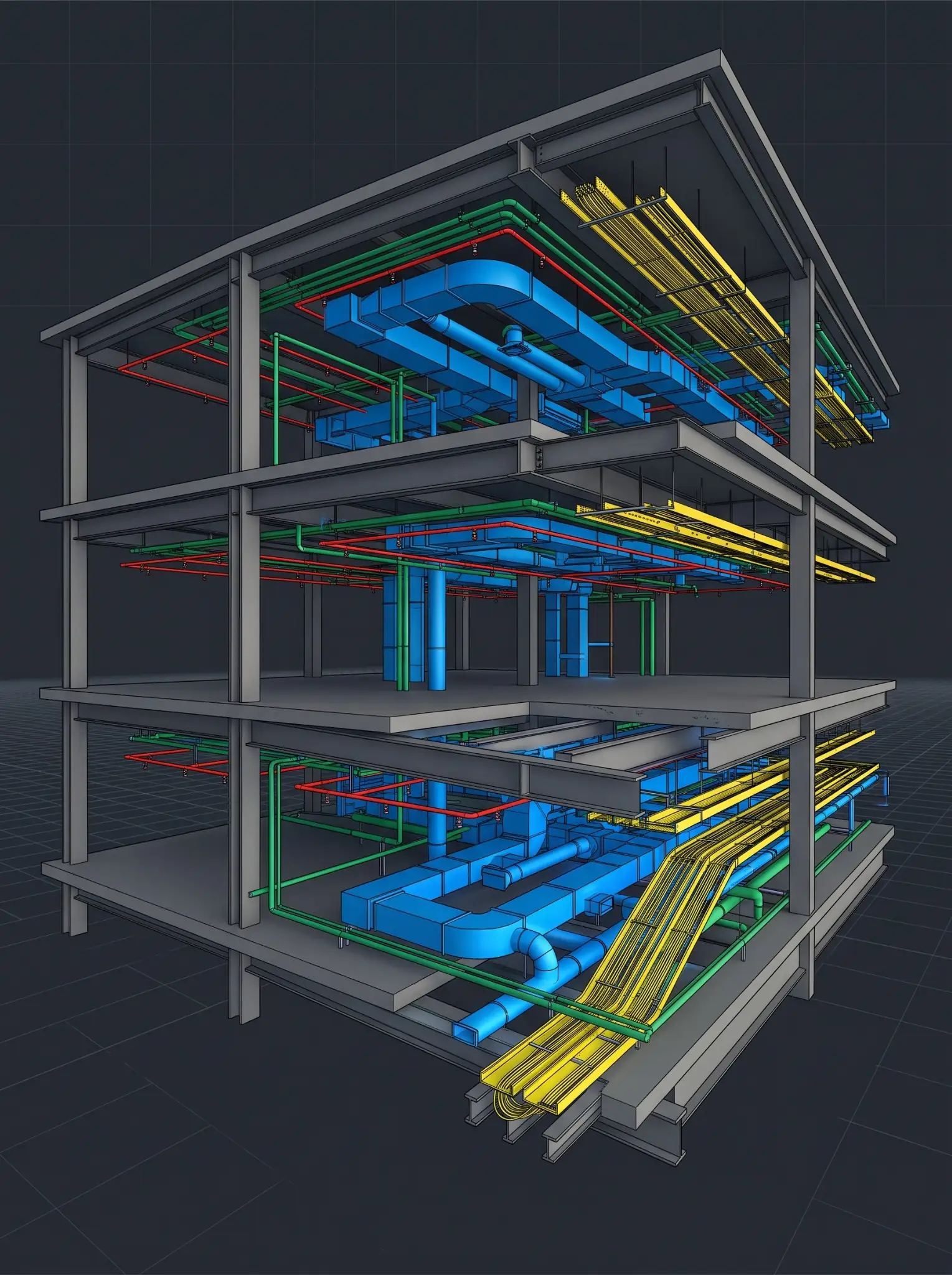
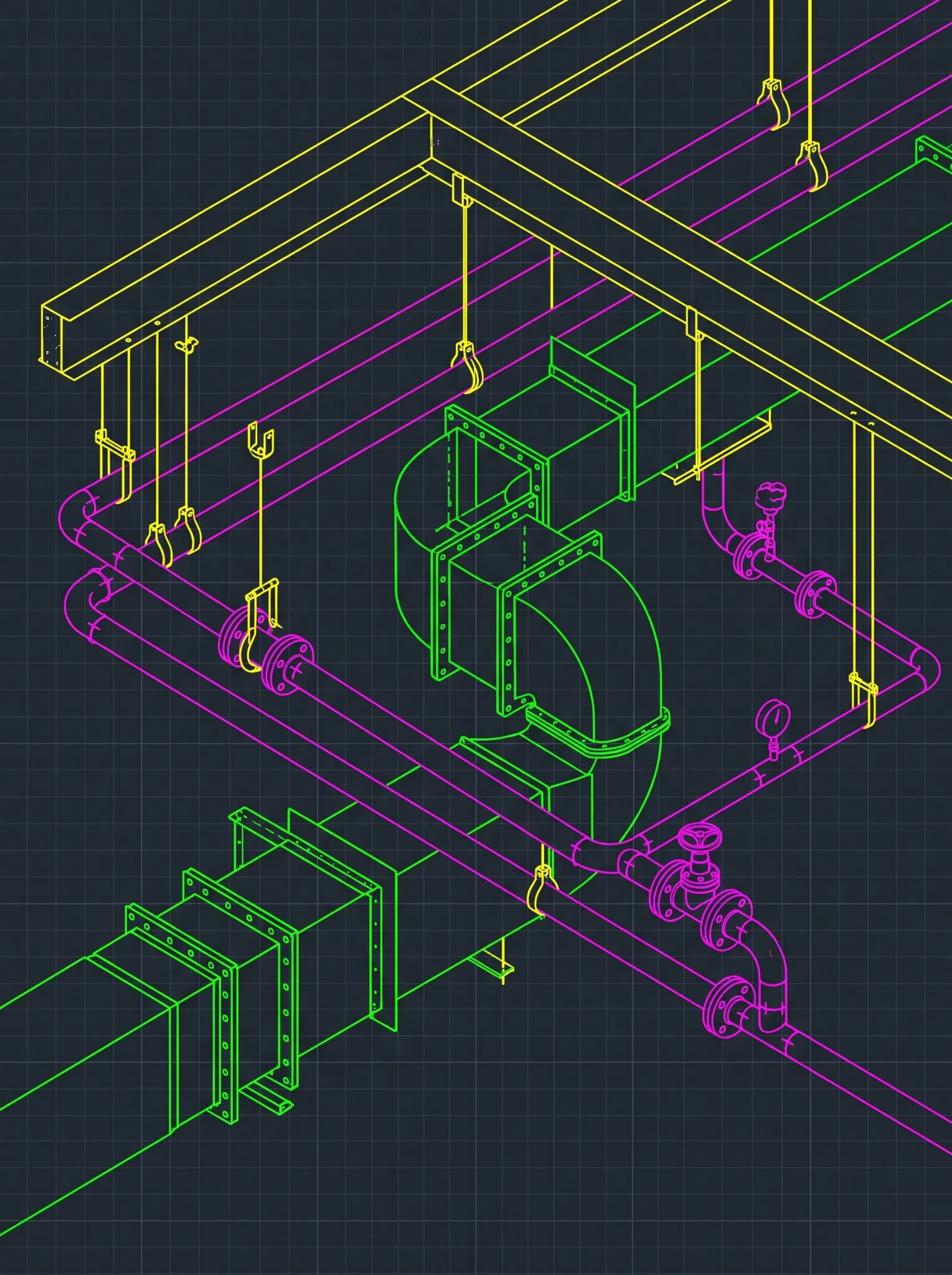









Ask a federal facilities team what goes wrong at handover, and the answer is rarely the model. It’s the data. In a 2023 IFMA and Autodesk survey of facility managers, 30% said BIM data arrives in a format that isn’t suitable for operations, and respondents lose an average of 12% of their time to fragmented data.
Federal owners have stopped absorbing that cost. They now write asset data into the contract, with deadlines. On a VA project, the record model is due 60 days after interior drywall is finished. On GSA work, facility management data is due at every milestone, not just at closeout. If you’re the GC, those deadlines are yours.
What Are COBie Requirements on Federal Projects?
COBie requirements define which asset data a federal owner wants, in what format, from whom and when. On VA projects, COBie is the format used to load data into the maintenance system. GSA requires open-standard FM data at every milestone. Your contract sets the exact fields, data drops and acceptance checks, so build a responsibility matrix before pricing.
This checklist is for US general contractors and their VDC teams working on GSA and VA projects, or on any public or institutional job where COBie shows up in the specifications.
COBie in BIM: What GSA and VA Expect at Handover
COBie, the Construction to Operations Building information exchange, is the NIBS standard for handing over data about a facility’s maintainable assets: spaces, equipment, products, warranties, spare parts and maintenance jobs. On federal work, it matters because the owner’s maintenance system has to run the building from day one.
- COBie was first published by the US Army Corps of Engineers in 2007, and NIBS has maintained it since 2013; version 3 is current.
- It combines the space, product and equipment schedules from design with as-built, O&M and commissioning information captured during construction.
- VA names COBie as its import format for the CMMS, while GSA asks for open-standard FM data at every milestone.
COBie Requirements on GSA vs VA Projects
GSA and VA both want structured asset data, but they ask for it differently. Navy projects often use a different deliverable entirely, so it’s worth knowing which one you’re holding.
| Owner | Governing documents to check | What the asset data must do | What GCs often miss |
|---|---|---|---|
| GSA | GSA BIM program requirements, the 2026 Core Building Standards for projects awarded on or after October 1, 2026, and the project’s submittal matrix and contract | Deliver open-standard FM data at every milestone, alongside native and IFC models | Treating FM data as a closeout task instead of a milestone deliverable |
| VA | VA BIM Manual 2.2, revised November 1, 2023, its appendices and project requirements | Provide COBie data in a format VA can import into its CMMS | The COBie Execution Plan and Project Data Security Plan that must sit inside the GC’s BxP |
| Navy (for contrast) | UFGS 01 78 24.00 20 Facility Data Workbook and the project RFP | Complete the Facility Data Workbook; O&M manual requirements now sit in UFGS 01 78 23 | Assuming a generic COBie export replaces the workbook |
On GSA work, also confirm which standards apply. In February 2025, GSA rescinded its P100 Facilities Standards and issued interim Core Building Standards, which the 2026 PBS Core Building Standards now replace for projects awarded on or after October 1, 2026. Projects already underway may still follow older terms, so read the contract, not last year’s template.
On VA work, watch for a federal construction agent. The VA manual says the construction agent manages the work under VA’s rights but isn’t authorized to waive the VA BIM Standard. Waivers must come from VA.
The COBie Responsibility Matrix: Who Supplies Which Asset Data
COBie implementation fails most often on one question: who enters which field? The model team can’t invent serial numbers, and the commissioning agent won’t name your spaces. That’s why VA requires a COBie Execution Plan inside the GC’s BxP, and why every COBie scope should name who updates each field and in which phase.
| Data | Typical source | When it can be captured | Who should own entry |
|---|---|---|---|
| Facility, floors and spaces | Design model and room data | Design development | Designer, verified by GC |
| Systems and zones | MEPF design and commissioning plan | Construction documents | Designer, updated by trades |
| Equipment types and components | Approved submittals | Submittal approval | Trade subcontractor, validated by GC |
| Manufacturer, model and serial numbers | Delivered equipment and nameplates | Installation | Trade subcontractor |
| Warranties and spare parts | O&M manuals and warranty letters | Closeout | Trade subcontractor, compiled by GC |
| Maintenance jobs and resources | O&M manuals | Closeout | Trade subcontractor, reviewed by owner FM team |
| Commissioning documents | Commissioning reports | Functional testing | Commissioning agent |
Your contract and the owner’s FM data requirements override this table. Use it to start the conversation, not end it. Every row needs a named company, a named person and a due date.
Send us your project’s facility data requirements, and we’ll map who supplies each COBie field and when, before subcontractors start entering their own equipment data.
COBie Implementation Timeline: Data Drops From Design to Handover
COBie data is cheapest when it’s captured once, at the moment it exists. Plan data drops around the project’s real milestones:
1. Design development: facility, floors, spaces and zones are set up and named to the owner’s convention.
2. Construction documents: systems, equipment types and attribute templates are defined.
3. Submittal approval: product data enters as submittals are approved, not months later.
4. Installation: serial numbers, tags and installed locations are captured in the field.
5. Commissioning and closeout: warranties, spare parts, maintenance jobs and documents are attached and validated.
VA puts hard dates on the end of this sequence. Its manual requires the Record Model to stay current with construction changes, be completed within 60 calendar days after interior partition drywall is finished, and then be used to derive the 2D as-built drawings. If your asset data drifts from the model during construction, that deadline arrives fast.
Why COBie Files Fail Federal Review
Most rejected COBie files export without error. They fail because the content doesn’t hold up. The common causes:
- Space and equipment names don’t follow the owner’s naming convention.
- Components aren’t linked to the right space or system, so the hierarchy breaks.
- Required attributes are blank or filled with placeholders like “TBD” or “n/a.”
- Serial numbers and tags don’t match what’s actually installed.
- Warranty start dates, durations and guarantors are missing.
- The file follows the wrong template or COBie version for that owner.
- Duplicate assets appear because two trades entered the same equipment.
- Nobody tested whether the data imports into the owner’s CMMS.
On VA work, COBie exists specifically so data can go into the CMMS, so a file that won’t import isn’t finished, however complete it looks. Build validation into every data drop instead of saving it for the final submission.
Your BIM Execution Plan Should Lock the COBie Scope
The fastest way to avoid a COBie scramble is to settle the scope in the BIM execution plan. On VA projects, that isn’t optional. The VA manual requires the GC’s BxP to:
- Follow the USACE BxP template, using the AE’s BxP as its basis.
- Include a COBie Execution Plan for managing FM data.
- Include a Project Data Security Plan that protects project files from unauthorized access.
- Name a Model Manager accountable to VA for BIM, with separate Model Managers for the AE and GC.
- Document approved waivers and data exchange protocols.
On GSA and other public projects, write the same decisions into your plan even when the contract is less prescriptive: required fields, data drop dates, responsible parties, validation method, and the receiving system. If you need a BIM execution plan consultant or BIM execution plan consulting support to write or review that plan, our BIM execution plan services cover it.
A note on data security: before you share any federal project files with an outside team, check your contract’s rules on who may access the data and where it can be stored. Share only what’s authorized, and never upload protected files through a general inquiry form.
Already mid-construction and behind on data drops? Book a Discovery Session, and we’ll help you sort what can still be captured cleanly and what needs field verification.
Making COBie Data Import Cleanly Into the Owner’s CMMS
Asset information management in BIM only pays off if the owner’s facilities team can use the COBie file on day one. Before handover:
- Confirm the owner’s CMMS or CAFM platform and its import requirements early.
- Align field names and formats to that platform, not just to the COBie schema.
- Agree whether the record model, the COBie file and the as-built drawings must match, and who reconciles them.
- Walk the owner’s FM team through the file structure at handover.
Owners are pushing in the same direction. In the 2025 Dodge and NIBS Data-Centric Owner study of nearly 200 US owners, 70% said they create internal requirements for producing and using project delivery and asset data. Expect those requirements to show up in your specs.
If you’re planning that link early, our BIM for facility management services, including BIM facility management integration services, BIM FM integration and BIM facilities management from the BEP onward, work backward from the owner’s system into the model, and our guide to following one air handler from BIM to digital twin shows the same data in operation.
How Excelize Supports GCs on Federal COBie Handover
Our COBie services start where federal COBie problems start: the owner’s data requirements and the responsibility matrix. From there, we populate and validate asset data in drops through construction, coordinate subcontractors entering their own equipment data, and reconcile the model against what was actually installed before handover. Our consultants work out of New Jersey and California on US hours. See how our COBie implementation services in the USA are scoped, including COBie consulting services, COBie data management services in the USA, and asset information modelling services in the USA.
Proof from the field: on a 155,200 sq ft pharmaceutical facility in India, Excelize tagged every major asset with standardized parameters and linked structured maintenance sheets directly to model elements, giving the owner one searchable source for asset and maintenance data.
For the procurement side of federal work, our BIM RFP scope of work template for general contractors shows how to write these obligations into subcontract packages.
COBie Requirements FAQ
Is COBie required on every federal project?
No. COBie is required when the contract or agency standard calls for it. VA uses COBie for CMMS import, GSA requires open-standard FM data, and Navy projects often require a Facility Data Workbook instead.
Who is responsible for COBie data on a VA project?
The GC’s BIM execution plan must include a COBie Execution Plan, and a named Model Manager is accountable to VA. Field-level entry is usually shared between designers, trade subcontractors and the commissioning agent.
When is COBie data due on federal projects?
COBie data is usually due in drops at design, construction and closeout milestones. GSA requires FM data at every milestone, and VA requires the Record Model within 60 days of interior drywall completion.
Does a COBie export from Revit meet federal requirements?
Not on its own. An export only proves the file was created. It must also match the owner’s template, naming rules and required fields, and import cleanly into the owner’s CMMS.
What’s the difference between COBie and the Navy Facility Data Workbook?
COBie is the NIBS open data standard for handover. The Facility Data Workbook is a Navy-specified spreadsheet under UFGS 01 78 24.00 20. A COBie file doesn’t replace the workbook unless the contract allows it.
Get Your COBie Scope Right Before You Price It
COBie problems rarely start at closeout. They start when nobody owns a field, nobody validates a data drop, and nobody checks the owner’s import rules. Settle those three things early, and the handover becomes a routine submission instead of a month of rework.
Send your COBie or FM data requirements, submission dates and current data status, and we’ll return a scoped COBie implementation proposal within 2 to 3 days.