







2.7 million of the roughly 5.9 million commercial buildings in the U.S., about 46%, were built before 1980, according to the U.S. Energy Information Administration’s 2018 Commercial Buildings Energy Consumption Survey, its most recent edition with building data. Every renovation, tenant fit-out, or MEPF retrofit in those buildings starts with the same question for a subcontractor: do the drawings match what’s actually behind the ceiling?
As-built drawings answer that question. They show what was actually installed, including every deviation from the contract documents. For subcontractors, as-built drawings matter twice: before fabrication, when field-verified existing conditions keep spools and duct from arriving wrong, and at closeout, when your marked-up as-builts become part of the owner’s permanent record.
What are as-built drawings, and how are they different from record and shop drawings?
The three terms get mixed up on almost every project, and the difference decides who owes what at closeout. The federal UFGS 01 78 00 Closeout Submittals specification used on USACE, NAVFAC, and AFCEC projects draws the line clearly. It defines as-built drawings as marked-up drawings “maintained by the Contractor on-site” that show actual conditions and deviations, and record drawings as “the final compilation” of those conditions.
| Drawing type | What it shows | Who usually produces it | When |
| Shop drawings | How a trade plans to fabricate and install its work | The subcontractor or fabricator | Before fabrication, for approval |
| As-built drawings | What was actually installed, including field changes and deviations | The contractor and its trades, as markups | Throughout construction |
| Record drawings | The final, clean compilation of as-built conditions | The contractor or the design team, depending on the contract | At or after substantial completion |
| Field-verified existing conditions | What’s actually in a building before new work starts | A surveyor or scanning firm, then a modeler | Before design or detailing on renovation work |
Your contract and specifications set the exact responsibilities on each project, so check Division 01 before you price closeout.
Why does field verification matter before fabrication?
Prefabrication only pays off when the work fits the first time. On renovation and retrofit jobs, the drawings a subcontractor receives often show the building as it was designed, not as it stands today. Hangers land on beams that were never on the drawings. Tie-ins meet pipe that moved during a previous fit-out. Duct sized to a ceiling space that’s smaller than shown has to be cut and reworked in the field.
Field verification closes that gap before your shop builds anything. It means checking critical dimensions, existing services, and structure against the drawings, and documenting what’s different. On a small scope, a tape and a careful walk-through may be enough. On a congested ceiling or a full floor of tie-ins, it rarely is.
How do you field-verify existing conditions?
Choose the method by how much the answer is worth. The tighter the space and the more prefabrication you plan, the more precise your record of existing conditions needs to be.
| Method | Best for | Limits |
| Tape and hand measurement | Small, simple areas and a few critical dimensions | Slow on large areas; hard to capture congested overhead work |
| Total station layout | Locating specific points, sleeves, and anchors accurately | Captures points you choose, not the whole space |
| Laser scanning to a point cloud | Congested ceilings, mechanical rooms, and full floors before prefabrication | Needs scanning equipment or a scanning firm, plus modeling time to become usable drawings or a model |
Accuracy needs a definition, not an adjective. The USIBD Level of Accuracy specification defines tiers for existing-conditions documentation, and our guide to scan to BIM process, accuracy standards, and benefits explains how to pick the right one for your work.
Once a scanning firm captures the point cloud, the scan still has to become something your detailers can work against. That’s where scan-to-BIM for field verification fits: the point cloud is modeled so your detailing matches as-built conditions before fabrication starts.
How do you keep as-built drawings current during construction?
Treat as-builts as a weekly task, not a closeout project. UFGS 01 78 00 requires contractors to keep working as-built markups “current on a weekly basis” with at least one set on the jobsite at all times. That’s a sensible rule even on private work.
A few habits keep markups usable:
- Assign one owner per trade: One person on your crew should own the redline set, so changes don’t depend on memory.
- Mark changes the day they happen: Reroutes, added fittings, and moved sleeves are easy to record the day they’re made and very hard to reconstruct three months later.
- Record concealed work before it’s covered: Once a ceiling or wall closes, the chance to capture what’s inside is gone. Photos tied to locations help.
- Tie markups to the model when there is one: If the project runs a coordination model, update it or flag the change to the BIM team, so the model and the field stay aligned.
- Note why, not just what: A short note on the reason for a deviation, such as an RFI number or a field condition, saves arguments at closeout.
What should subcontractors hand over at closeout?
Hand over exactly what your contract and Division 01 require, in the format they require, and nothing less. On many projects, this includes:
- Marked-up as-built drawings: These show actual routing, sizes, and locations of your installed work.
- Deviations and their reasons: Reference the RFIs, change orders, or field directives behind each change.
- Concealed and buried work: UFGS 01 78 00, for example, calls for the “actual location, kinds and sizes” of sub-surface utility lines.
- Systems your trade designed or delegated: Include controls, fire alarm, or other contractor-designed systems where they apply.
- Model updates, if required: On BIM projects, the BEP may call for an as-built model instead of, or alongside, drawings.
Late or incomplete as-builts can hold up closeout, so collect them as you go rather than at the end.
What this looks like on an existing facility
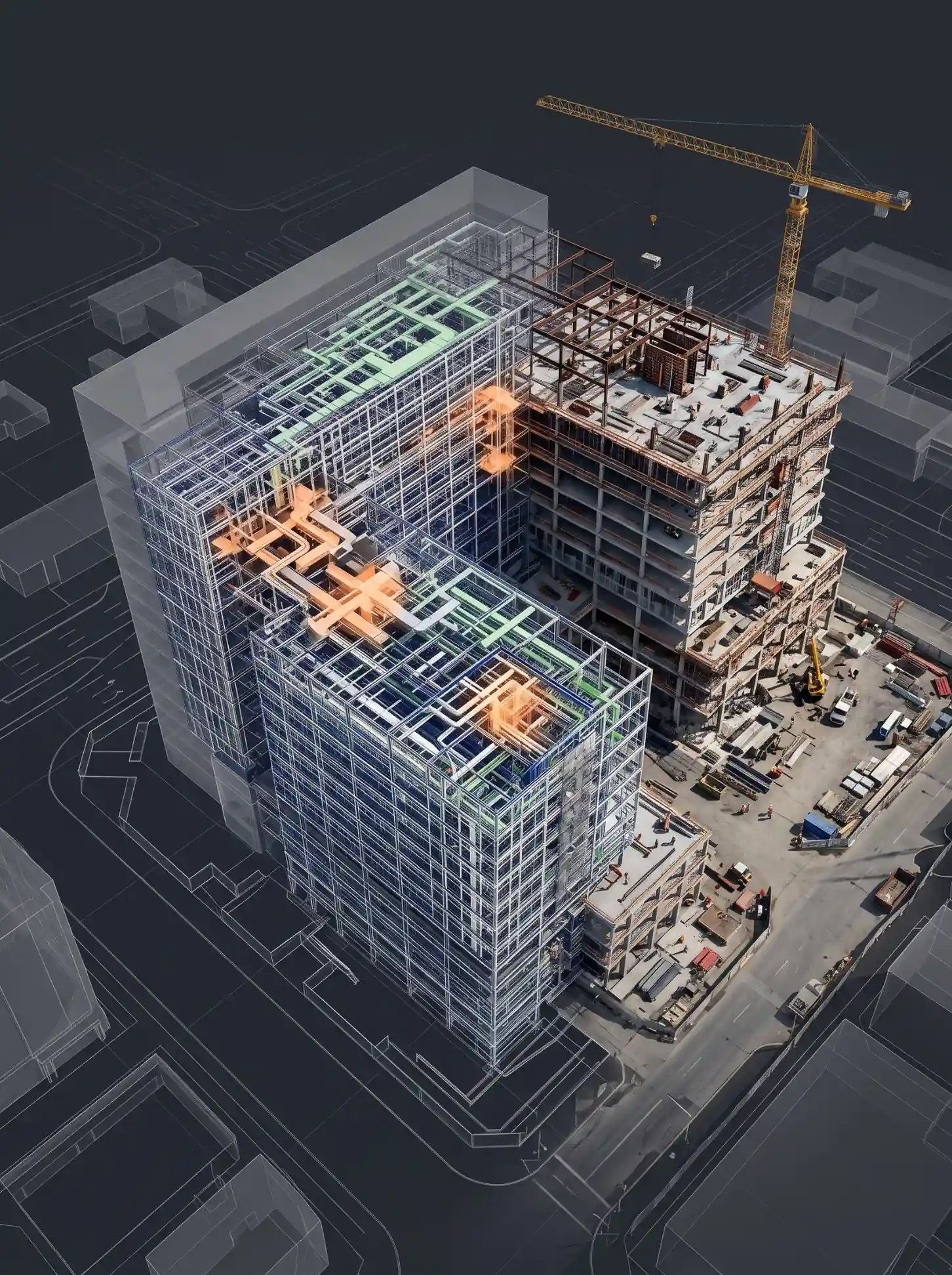
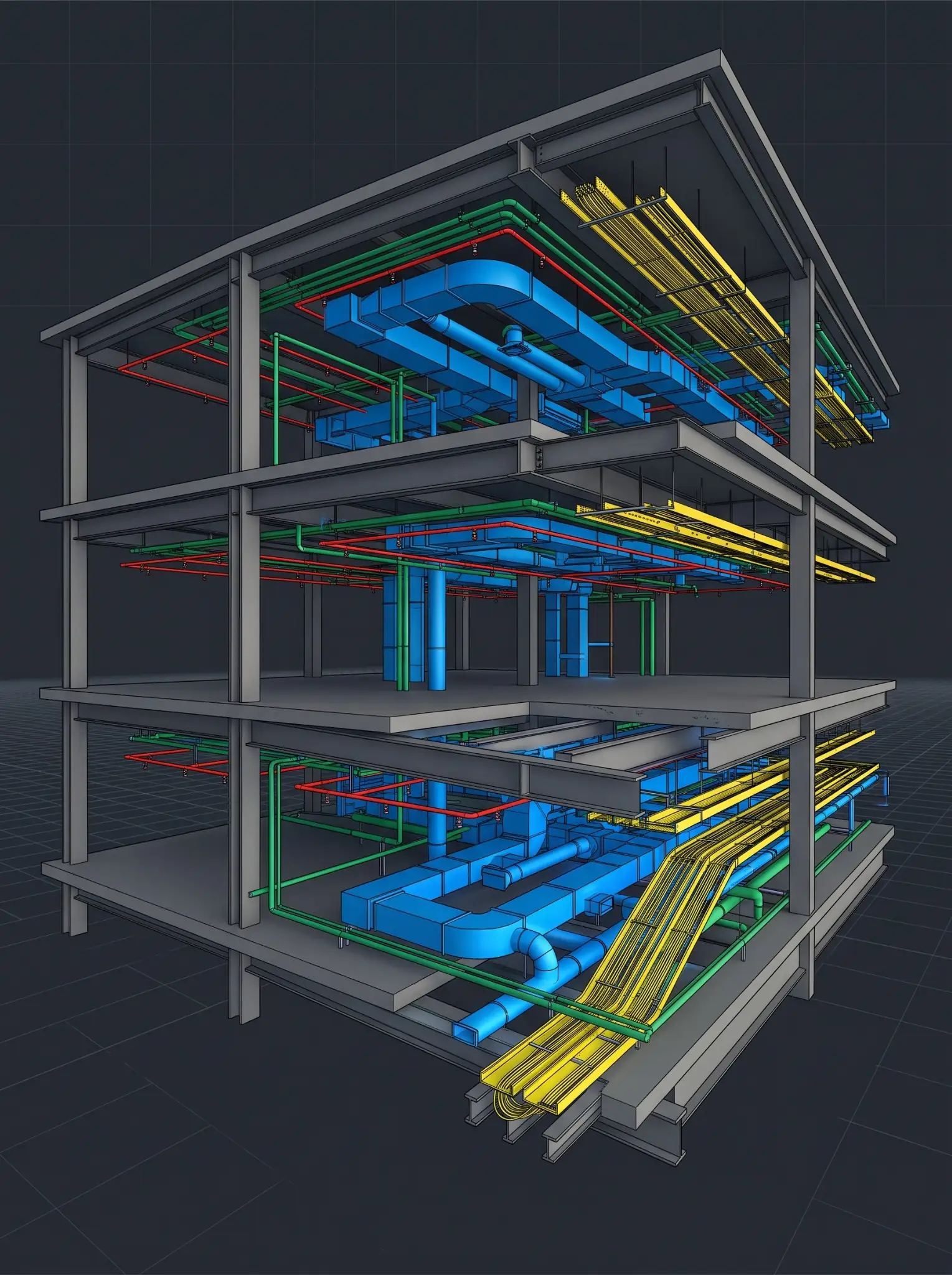
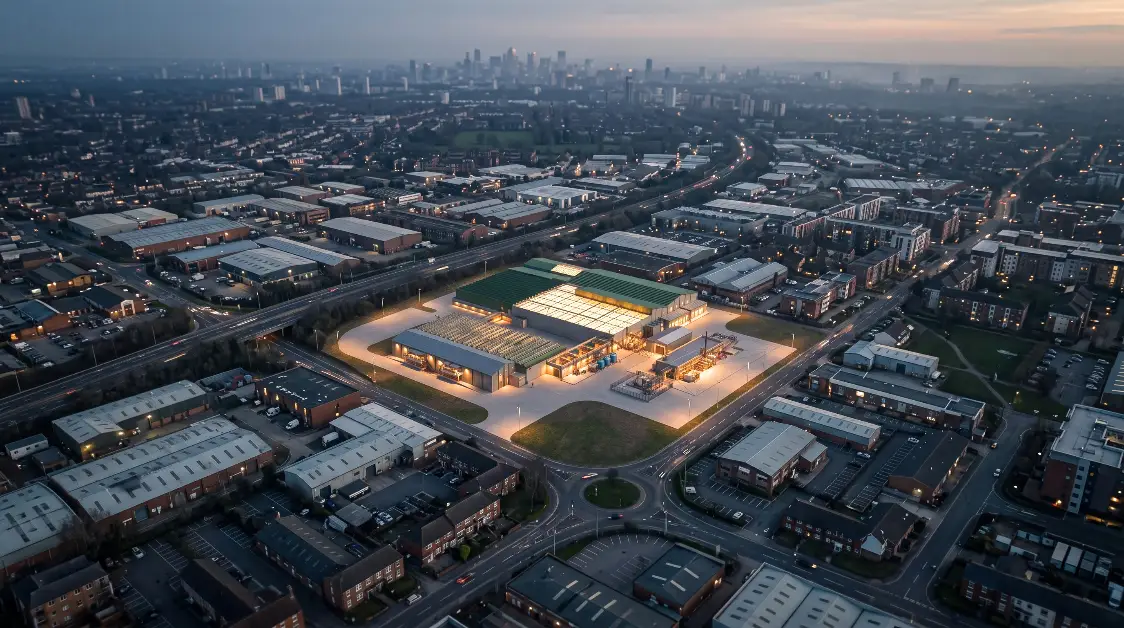
On a 155,200 sq. ft. pharmaceutical facility scan-to-BIM project in India, the owner had no reliable as-built record, so every expansion or maintenance decision started from incomplete information. Excelize aligned point cloud data with 360-degree site imagery and built architectural, structural, and MEPF models at LOD 300, creating a verified record of the facility as it actually exists. The project was outside the U.S., but the problem is the same one U.S. subcontractors face on any undocumented building.
How Excelize supports field verification for subcontractors
We don’t do the laser scanning ourselves. Your survey team or a scanning firm captures the site, and we can recommend partners if you need one. We turn that scan data into a model and drawings your detailers can trust:
- Inputs: E57, RCP/RCS, and other common point cloud formats from any scanner.
- Detail and accuracy: As-built models from LOD 200 to 500, checked against the point cloud to an agreed tolerance, with USIBD levels of accuracy where specified.
- Your tools: We work in Revit, Tekla, AutoCAD or CADmep, to your standards and the GC’s BIM Execution Plan.
- Speed and ownership: A modeler or pod can be embedded within 48 hours of receiving your scan data. We work under an NDA, and the model and aligned point cloud are delivered to you.
See the full service on our scan to BIM services for U.S. projects page.
Frequently asked questions
What is the difference between as-built drawings and record drawings?
As-built drawings are the working markups that show actual conditions and deviations during construction. Record drawings are the final, clean compilation of those conditions, usually issued at or after substantial completion. Your contract decides who prepares each.
Who is responsible for as-built drawings on a U.S. project?
Usually the contractor, with each trade marking up its own work, but the contract and Division 01 specifications decide. Federal projects using UFGS 01 78 00, for example, require the contractor to maintain as-built markups on site and keep them current weekly.
Are as-built drawings required for a building permit?
It depends on the jurisdiction and project type. Some authorities require as-built or record documents for specific systems or final approvals, so check with the local building department and your contract documents.
Do I need laser scanning for as-built verification?
Not always. Hand measurement can work for small, simple areas. Laser scanning becomes worth it when ceilings are congested, tie-ins are numerous, or you plan to prefabricate large parts of the work.